Walmart • AR Experience Design
Transforming Toy Shopping with Augmented Reality
Role
UX/UI Designer
Timeline
Jan - Feb 2024
Team
Aravindh – Myself
Dinoop – Mentor
Ramesh – Global Design Manager
Skills
UX/UI Design
User Research, Market
Prototyping
Overview
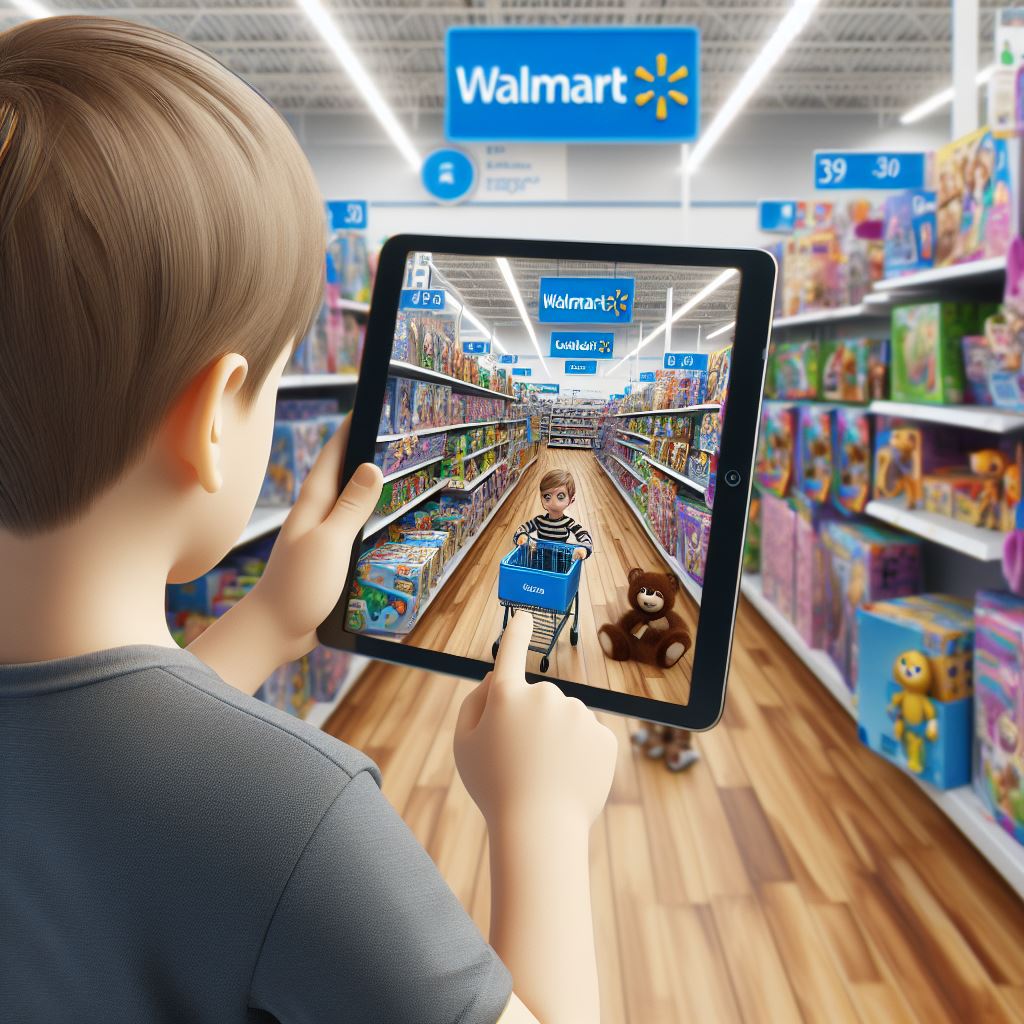
Tasked with designing the future of in-store experiences for the next generation, I created an AR-driven solution to transform how customers explore and interact with toys.
Out Comes
See What User Enjoyed
Actual Reality
Customers can experience products in real life from their mobile devices without unpacking them.
Customization
Customers can virtually explore options like colors, features, and functionality
Game VS Function
Users can switch between game mode and function mode to enjoy and evaluate their purchase journey
Impact
The Challenge
Redefining Toy Shopping
Enhancing in-store experiences for families with AR technology to meet evolving customer needs.
Why
Walmart needed to rethink in-store toy shopping for the future.
Design Process
Switch between the tabs below to view the complete design process.
Key Research Activities
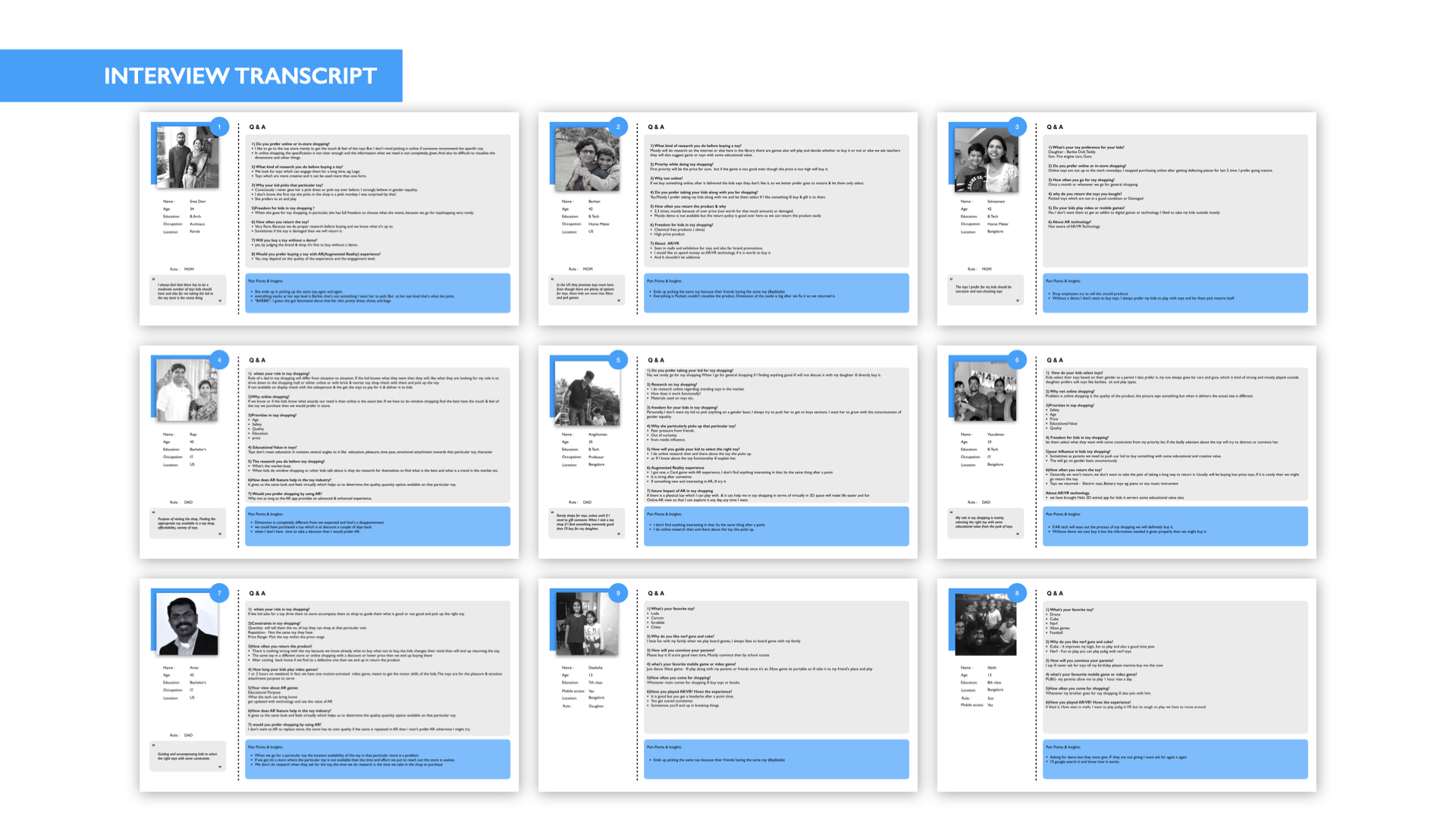
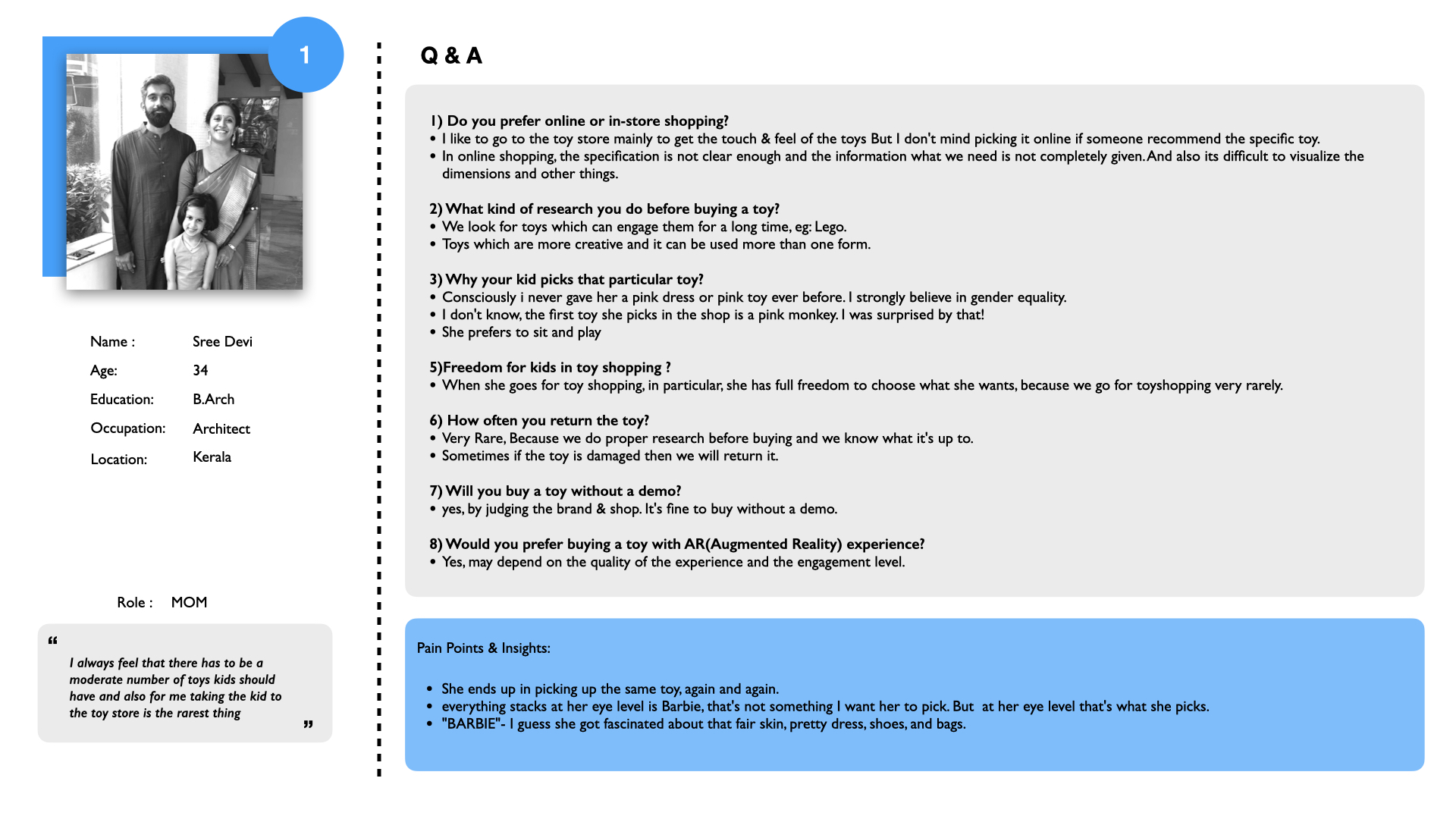
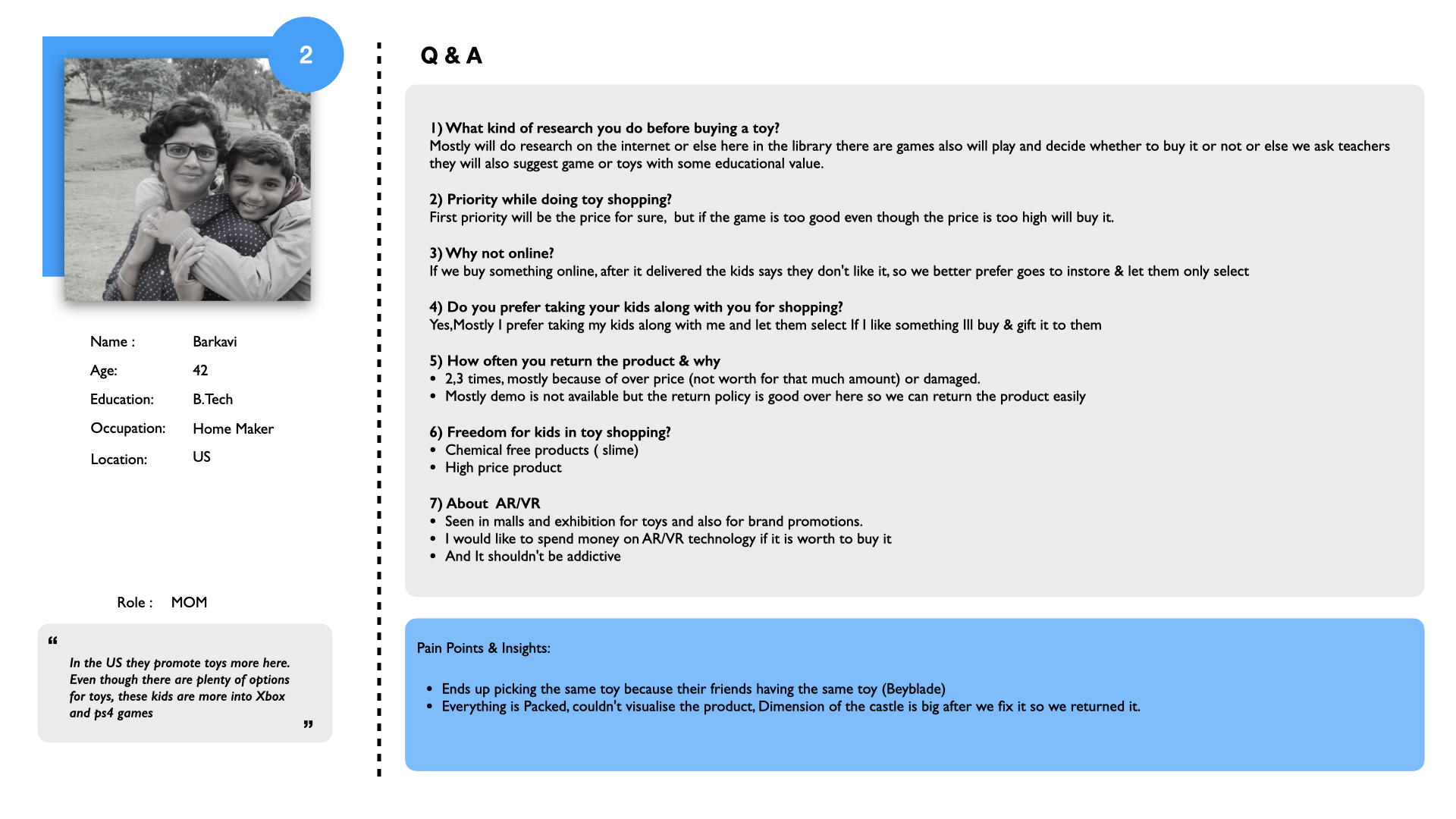
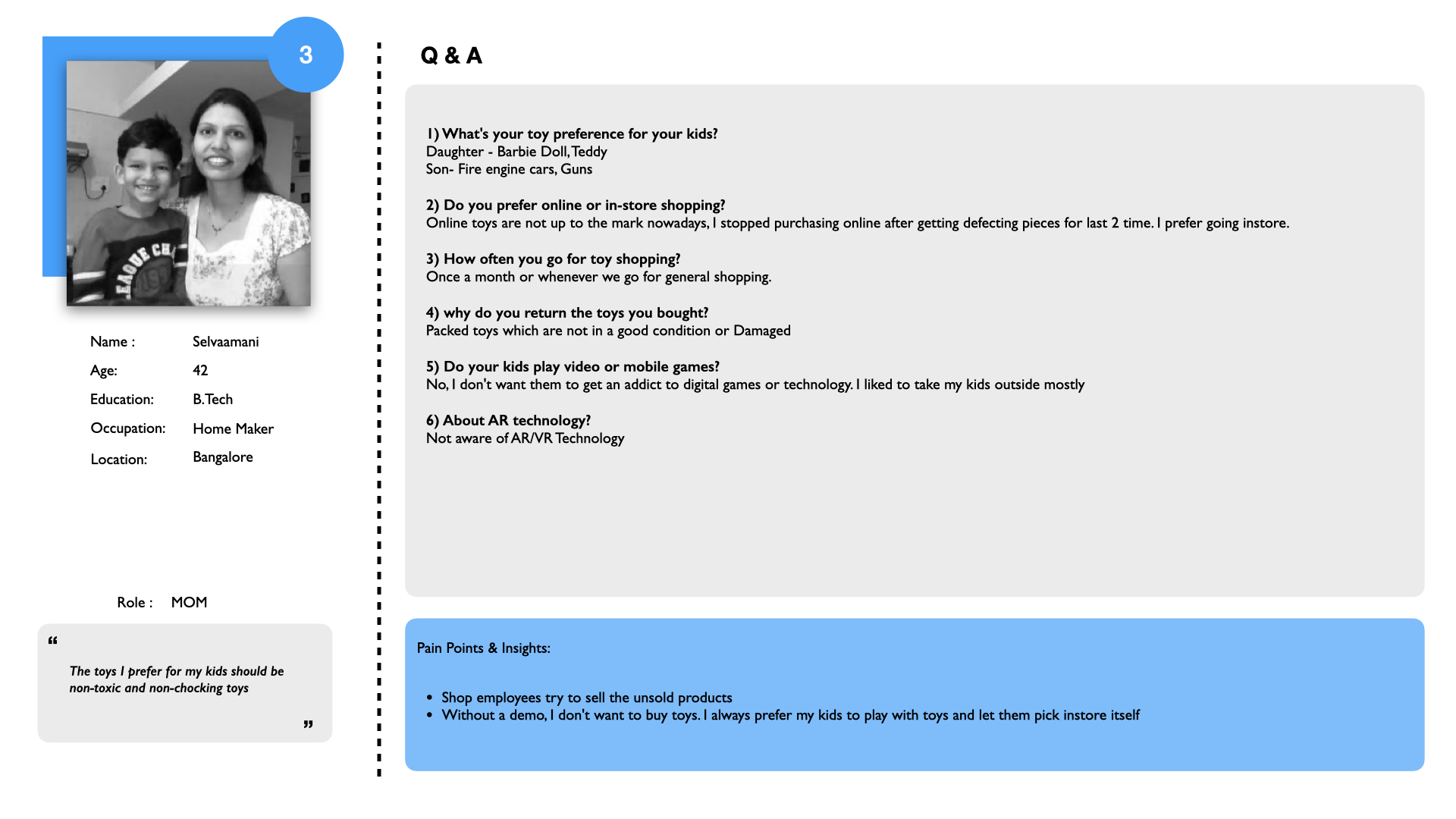
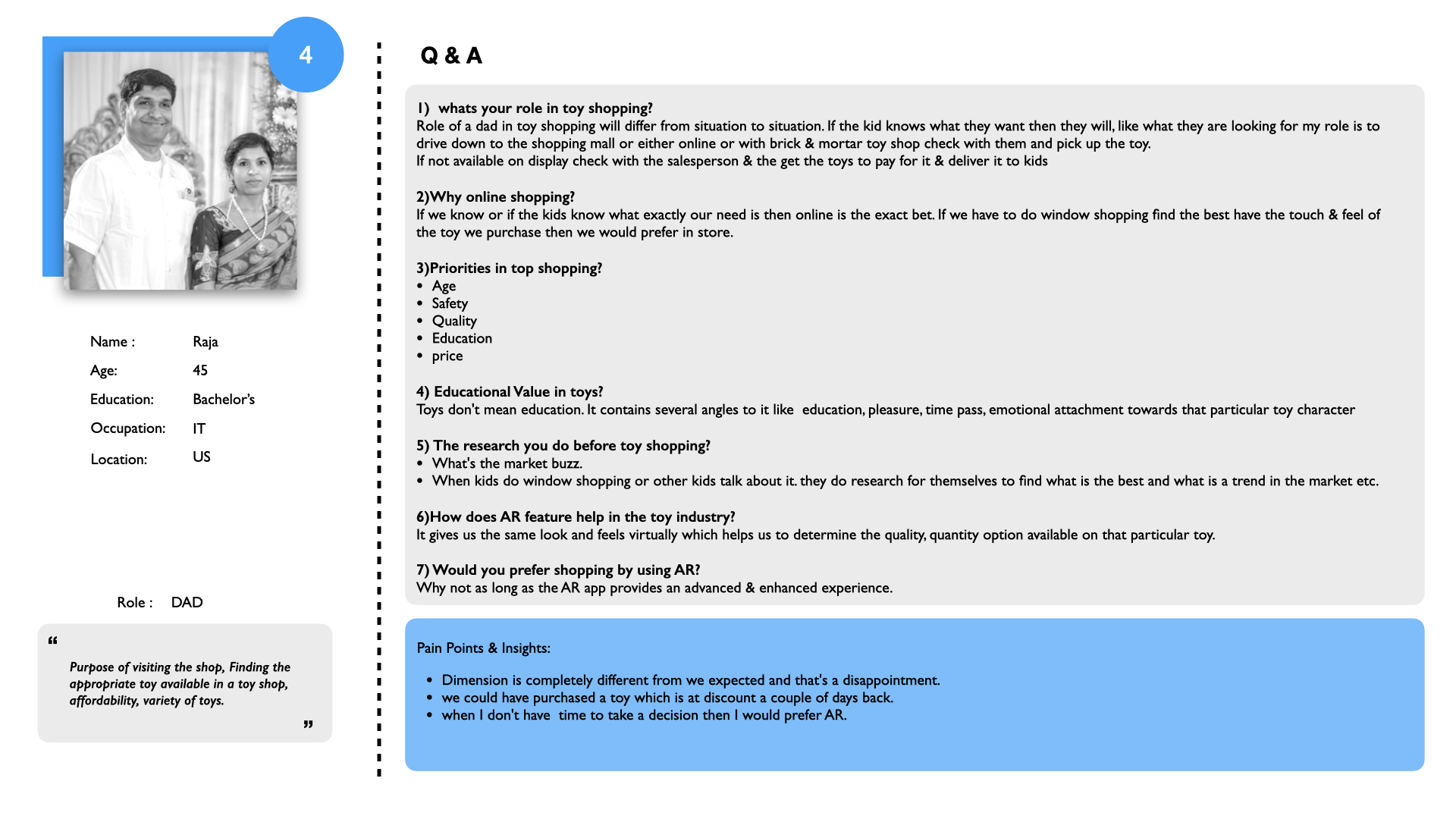
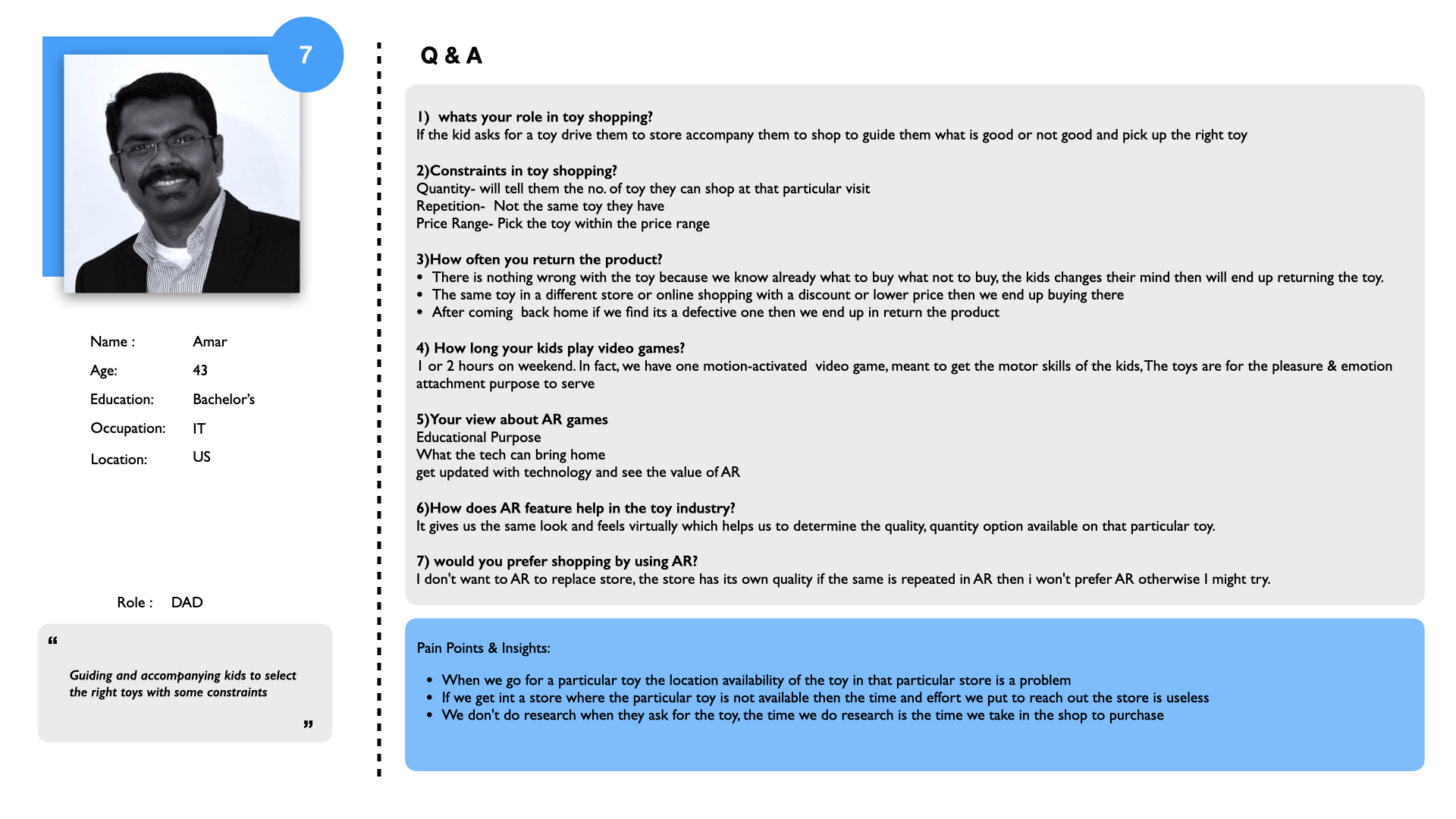
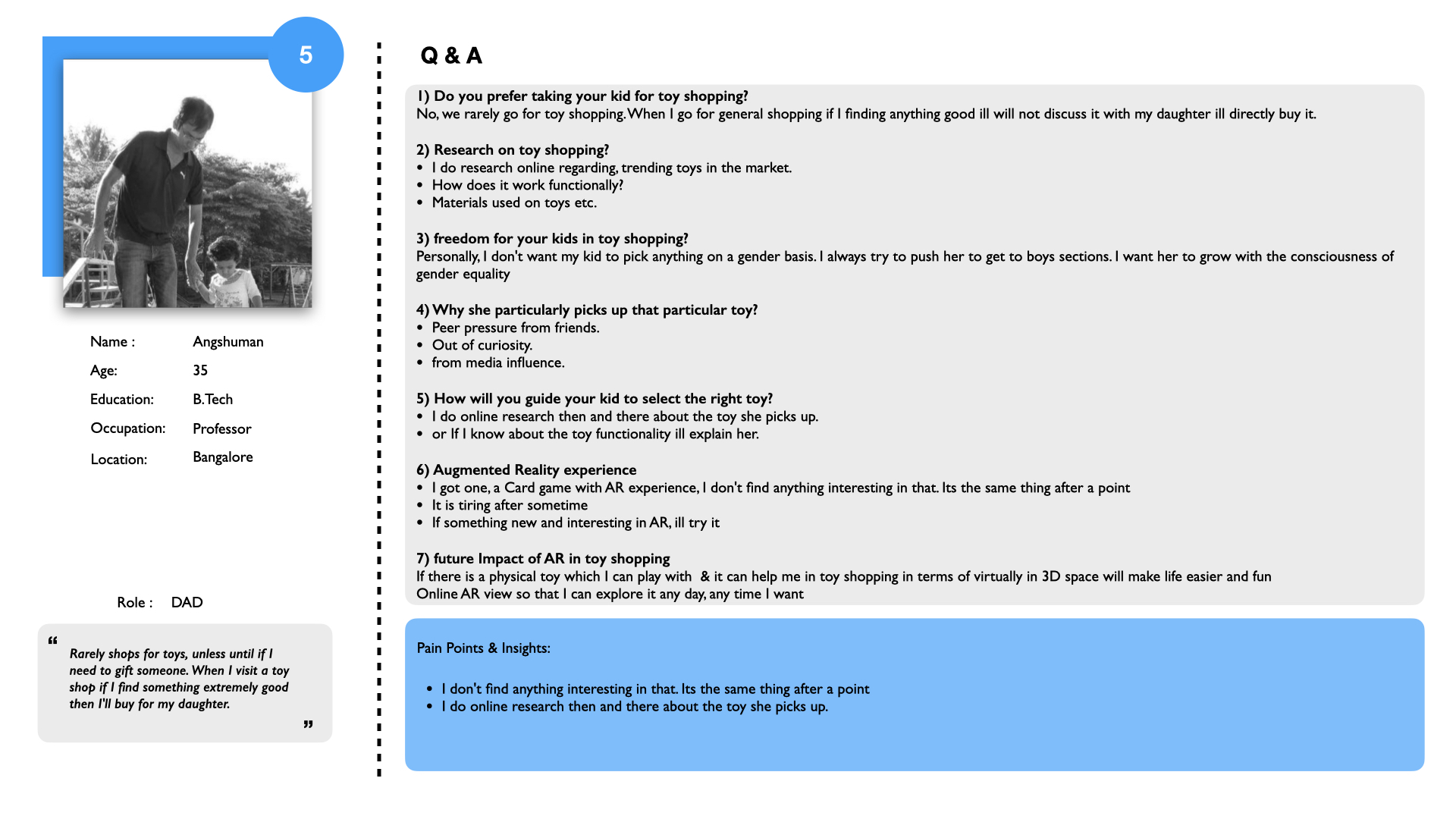
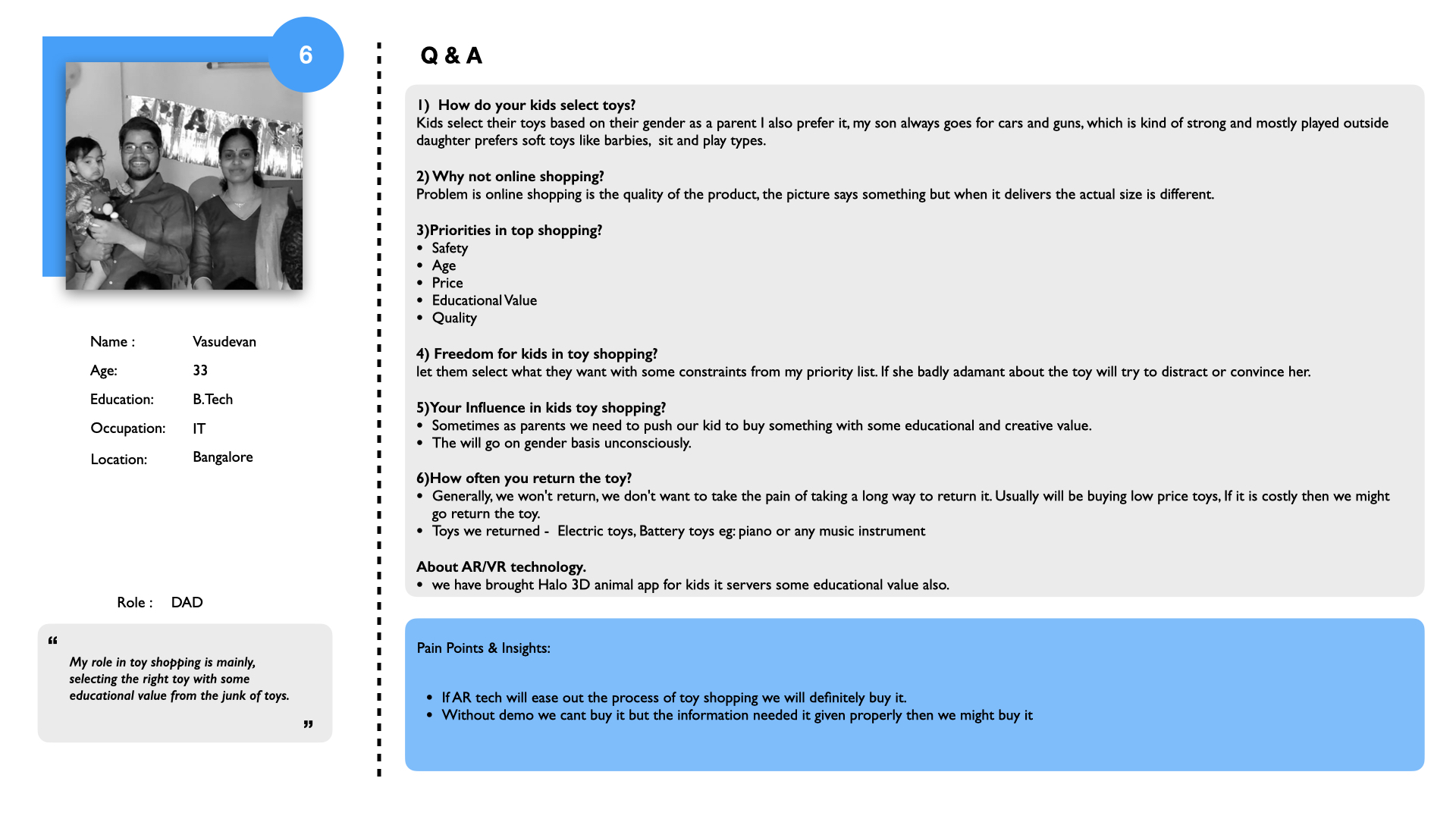
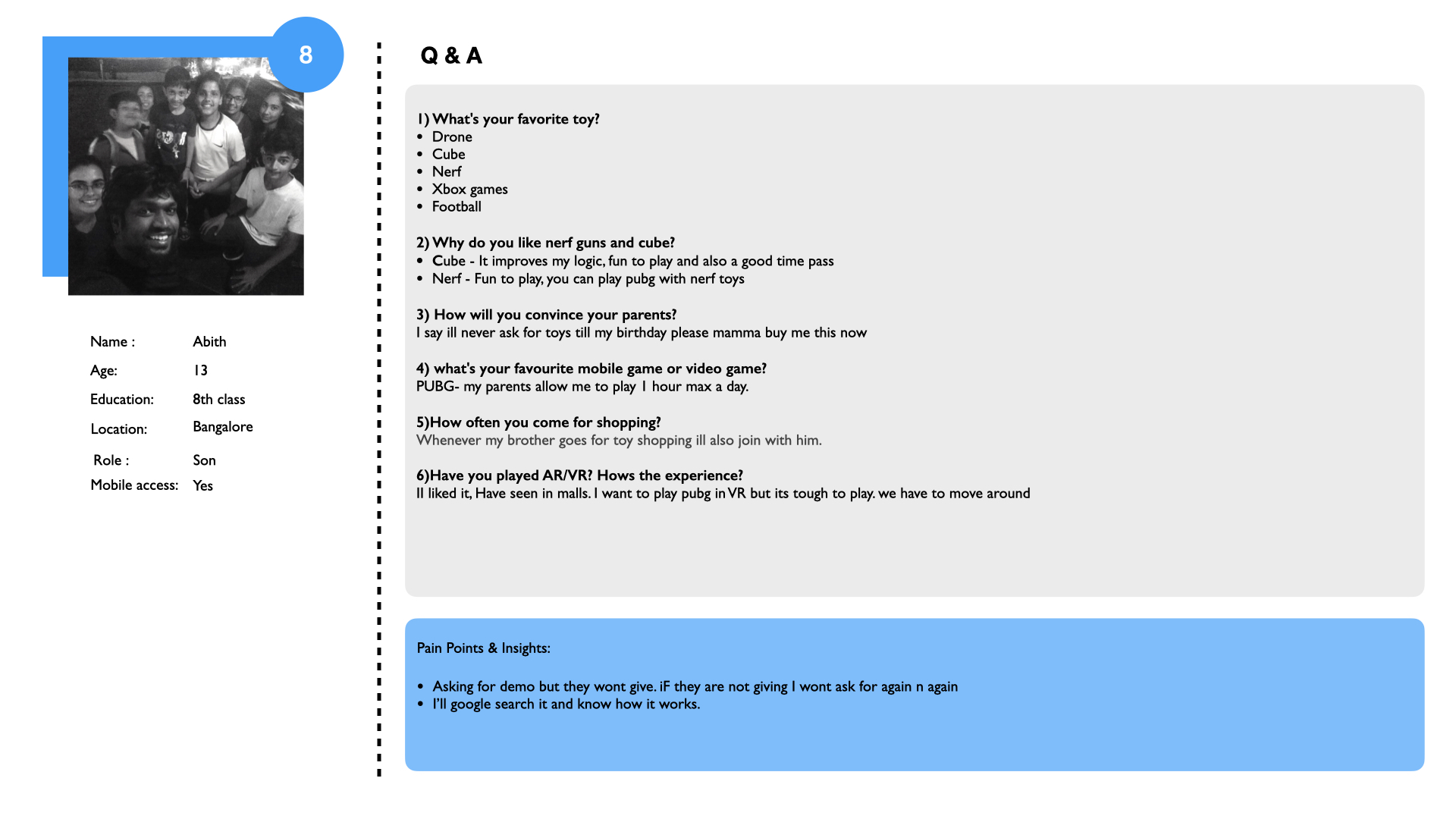
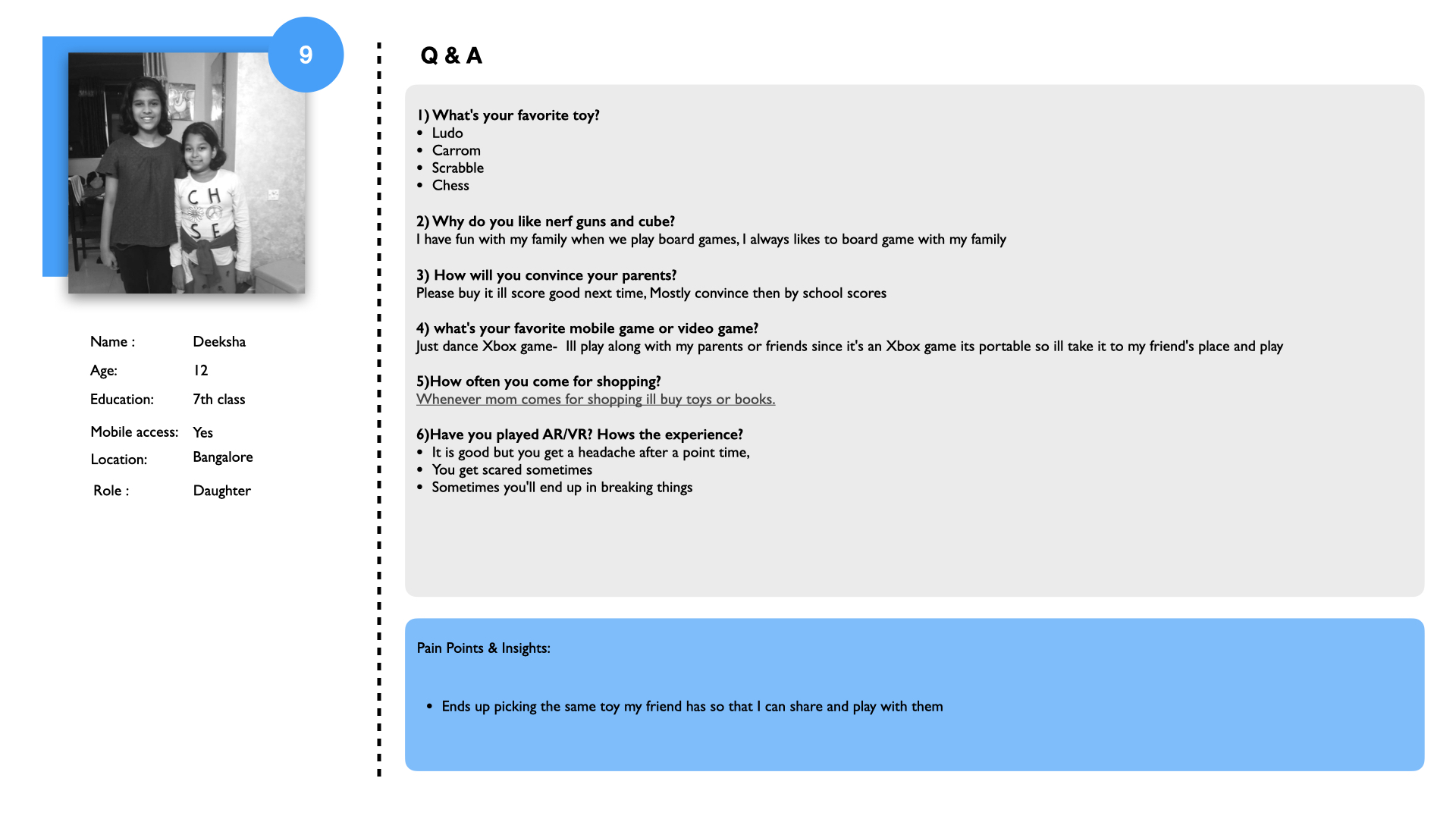
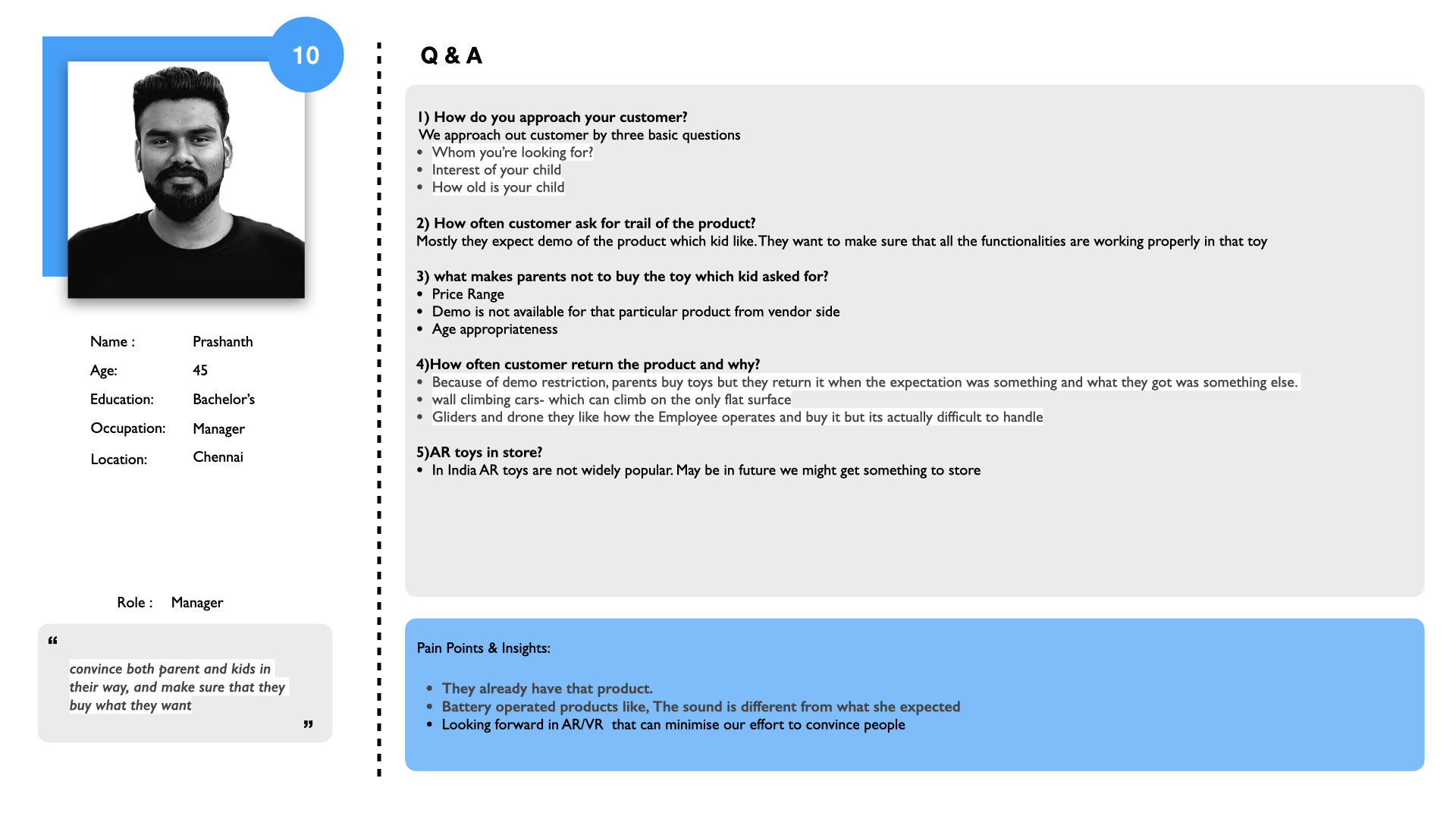
Two diff. Persona
Two key personas emerged from our research to represent Walmart's toy shopping audience: parents, who drive purchasing decisions, and kids, who influence the shopping experience.
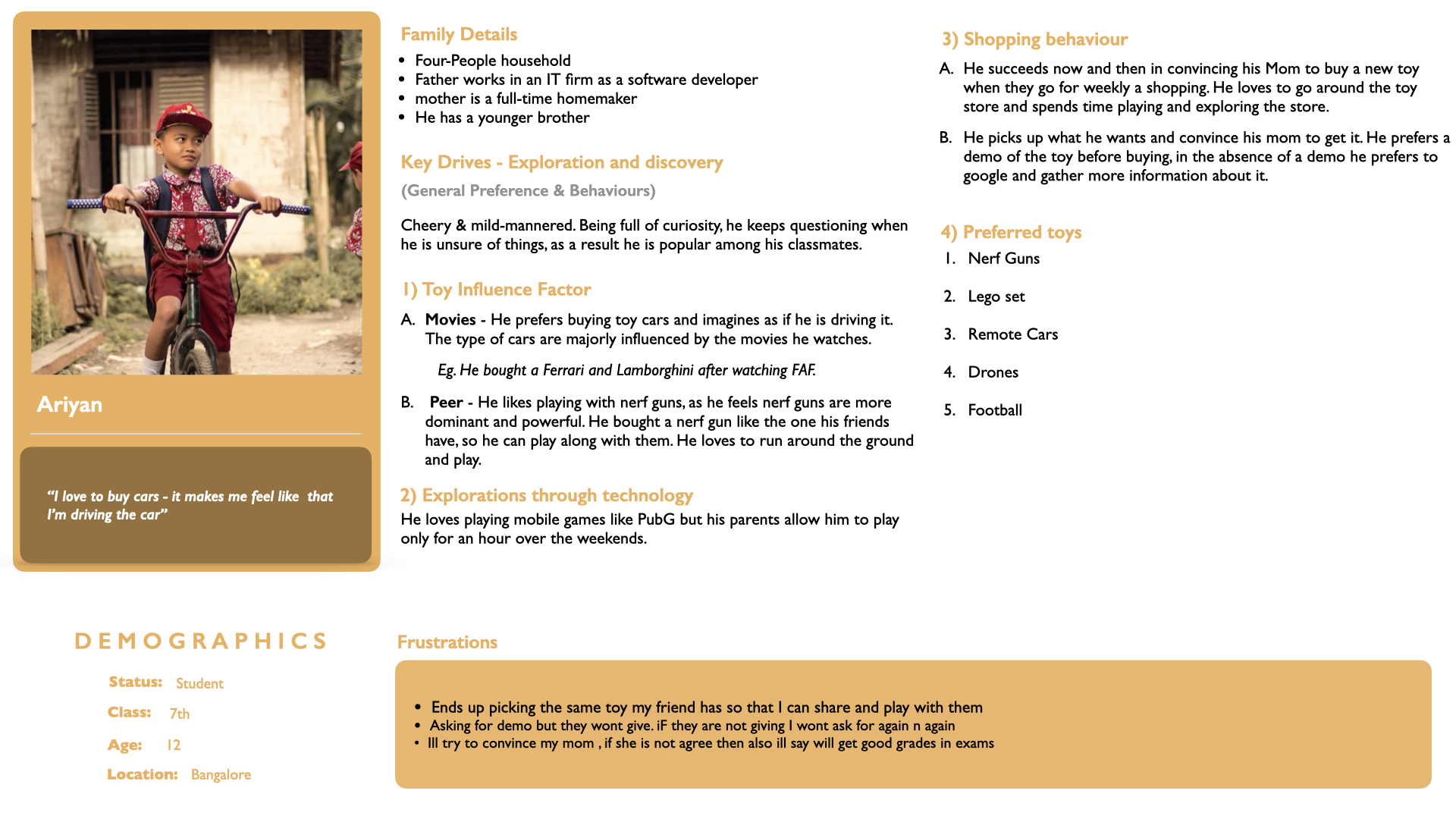
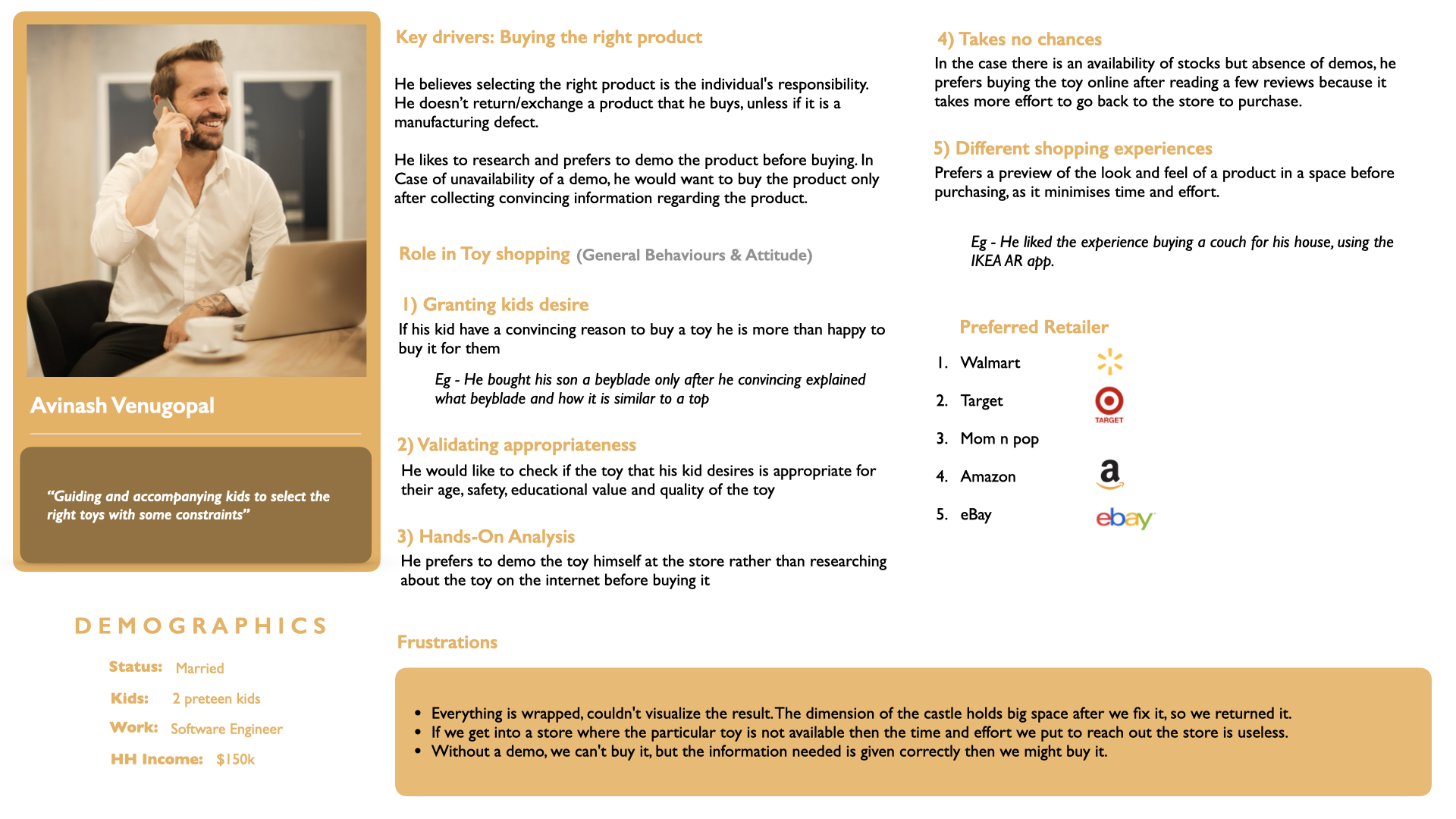
deriving high-level insights
Affinity Mapping
Through affinity mapping, we synthesized research findings into actionable insights that informed our design decisions.
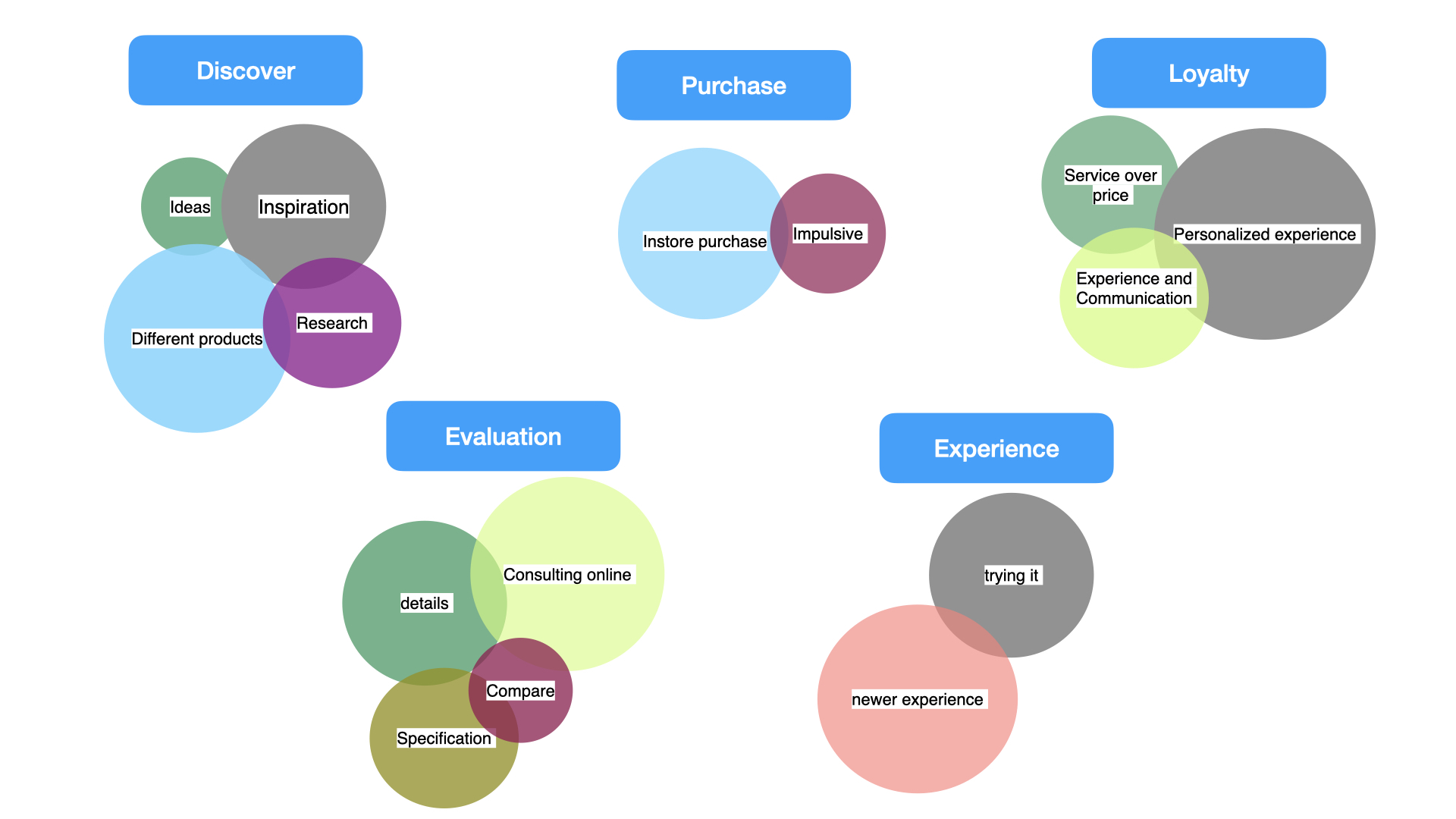
Turning Insights into Ideas
Developed innovative solutions to address user pain points and create an engaging shopping experience.
Generated 45+ ideas
Grouped Idea into Three theme
Idea Validation & Storyboard
Collaborated with mentors and stakeholders to prioritize ideas. Focused on feasibility, user impact, and alignment with Walmart's goals.
The parent or child scans the QR code on a toy using a mobile device or in-store tablet. showing a 3D model of the toy.
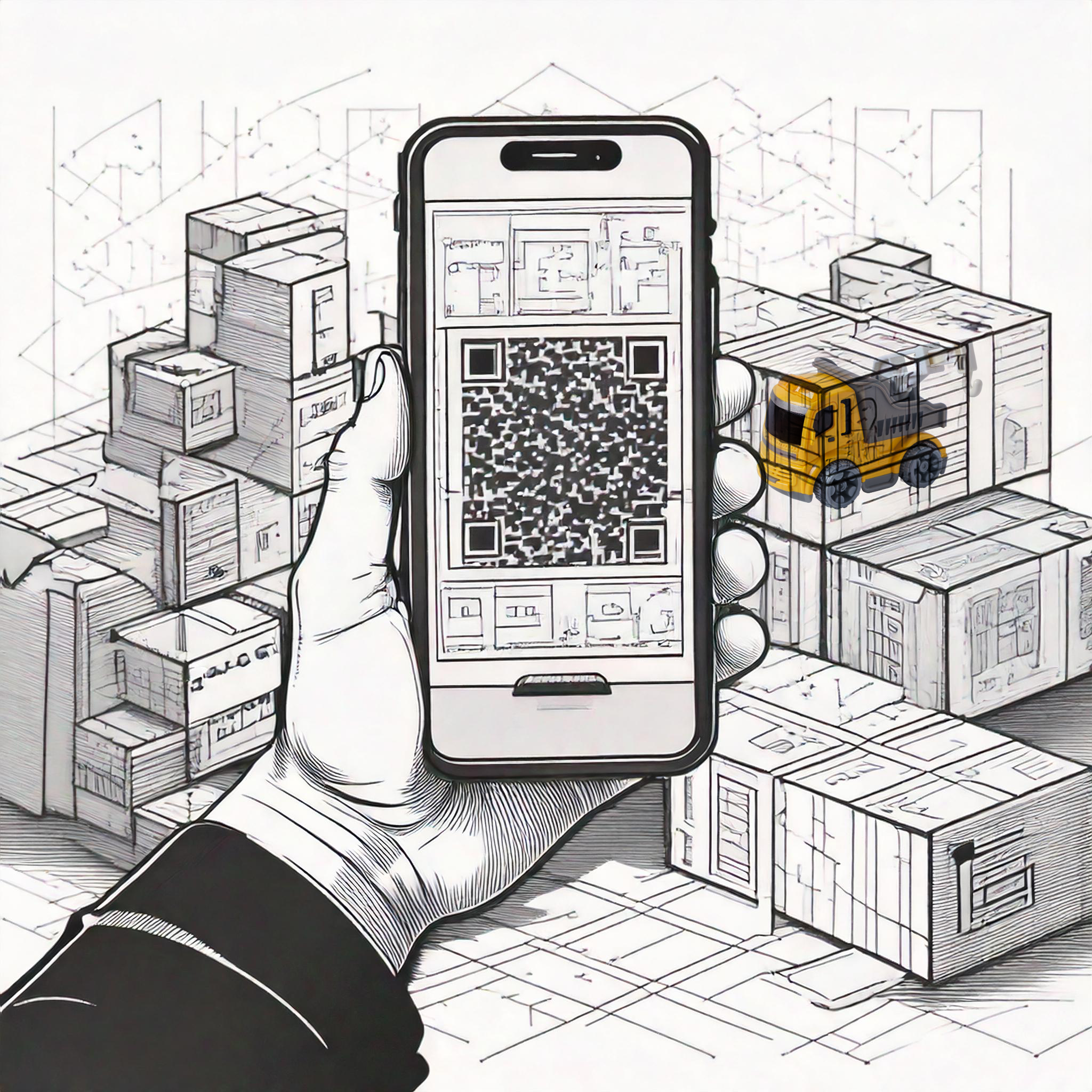
The AR screen displays key details like toy specifications, features, dimensions, and price.
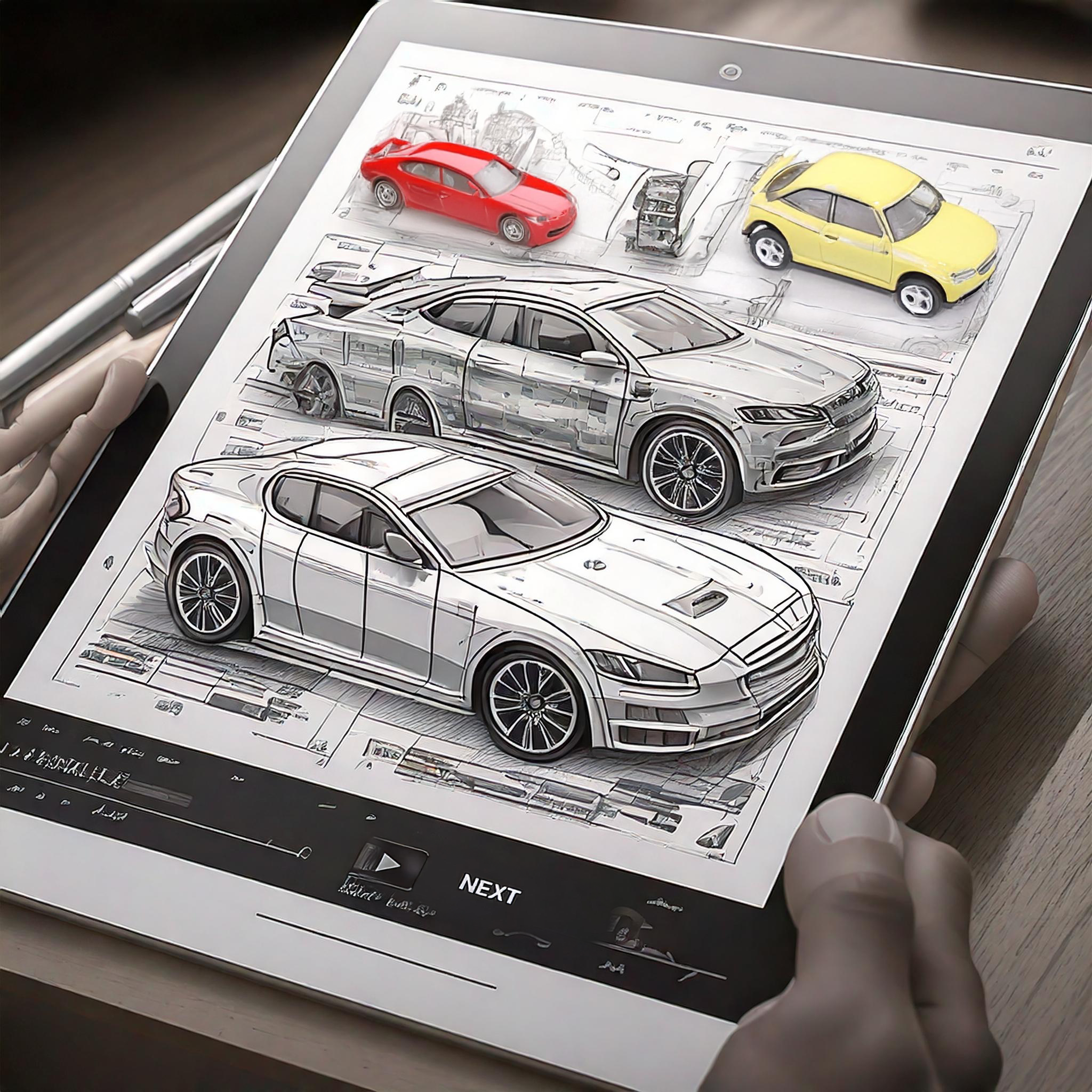
Tailor the experience to the user's preference: functional for parents, fun for kids. Game mode VS Normal
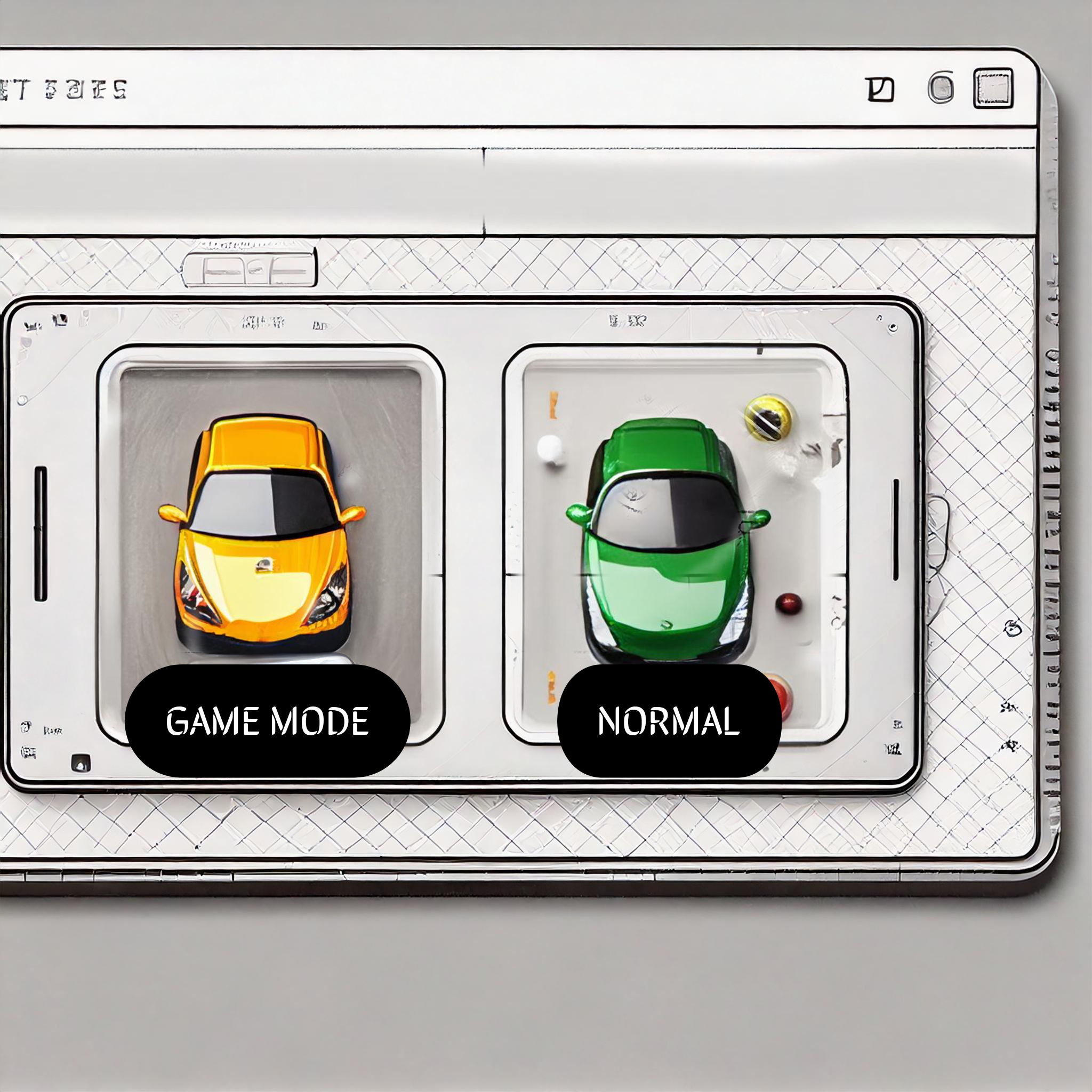
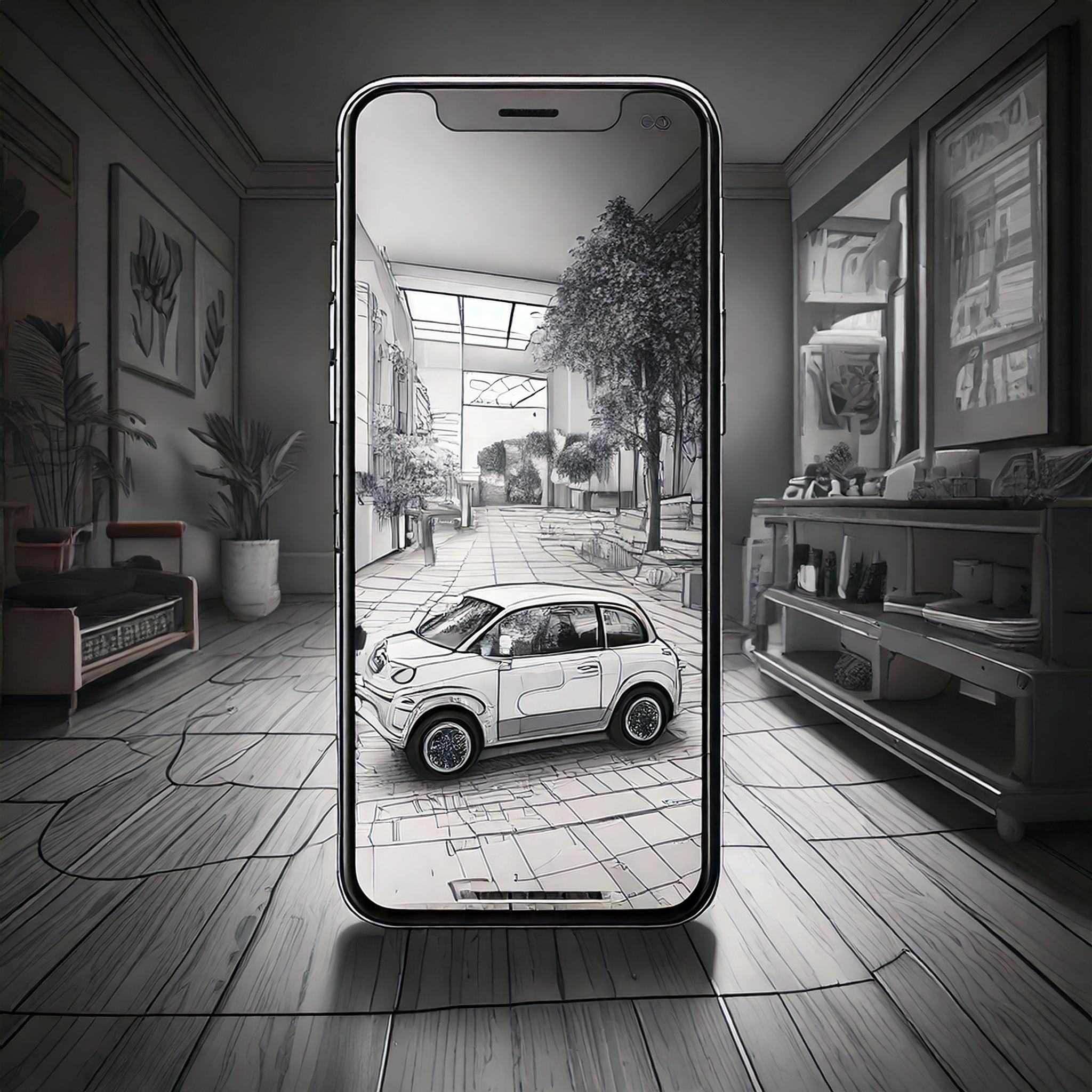
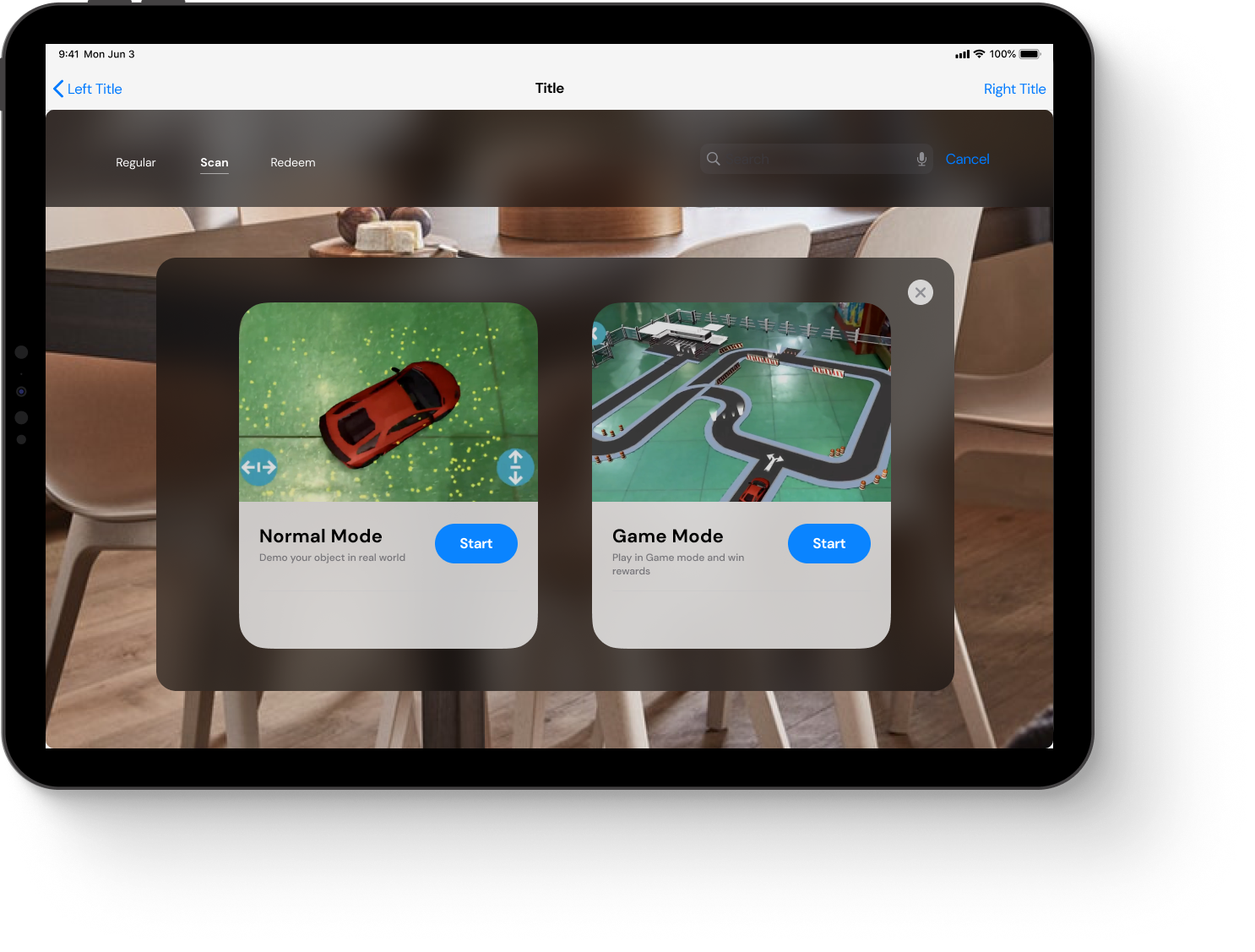
Normal Mode: Parents view detailed specs, visuals, and information about the toy. Parents to make informed decisions.
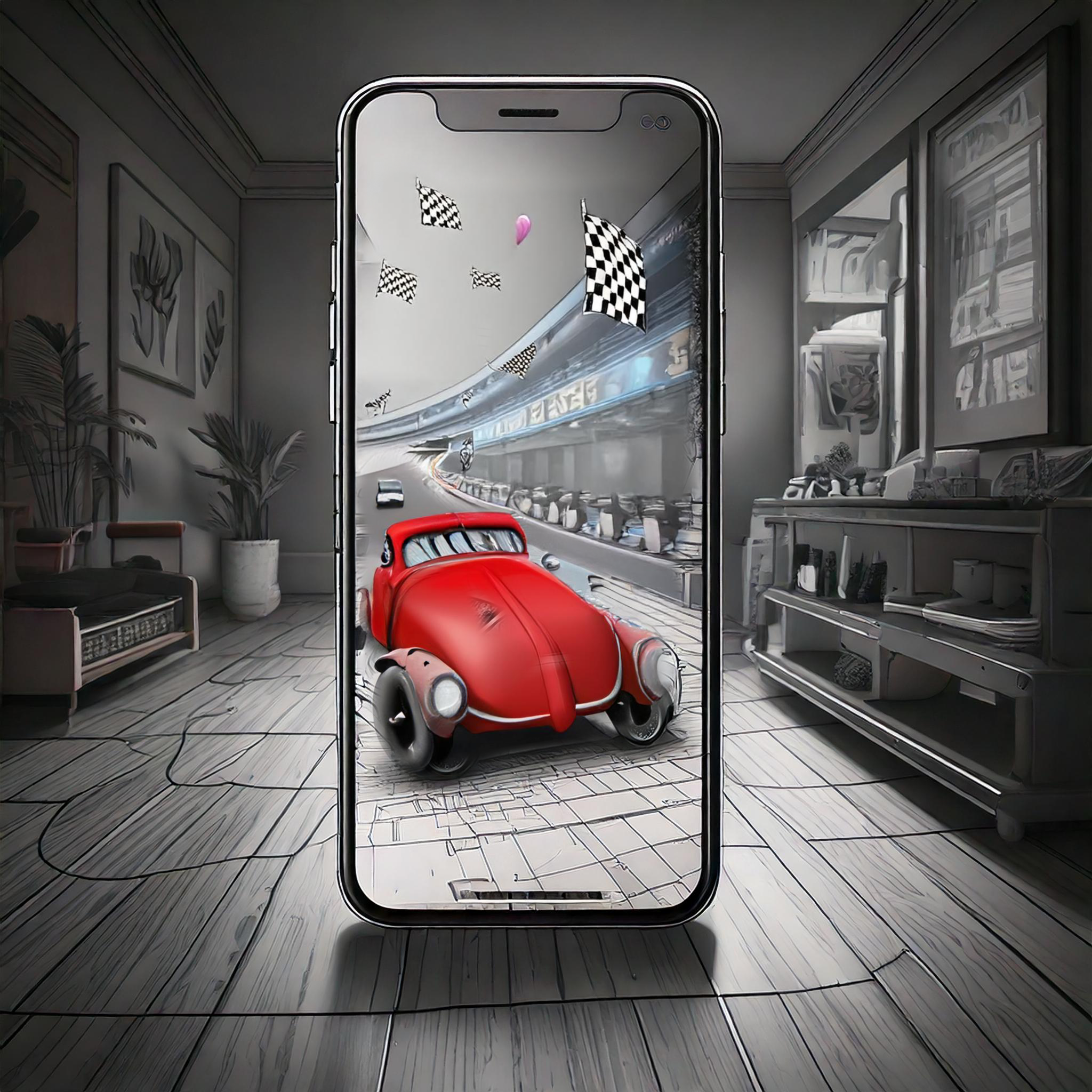
Game Mode: Kids interact with the toy through a gamified AR experience (e.g., controlling a virtual race car or building blocks).
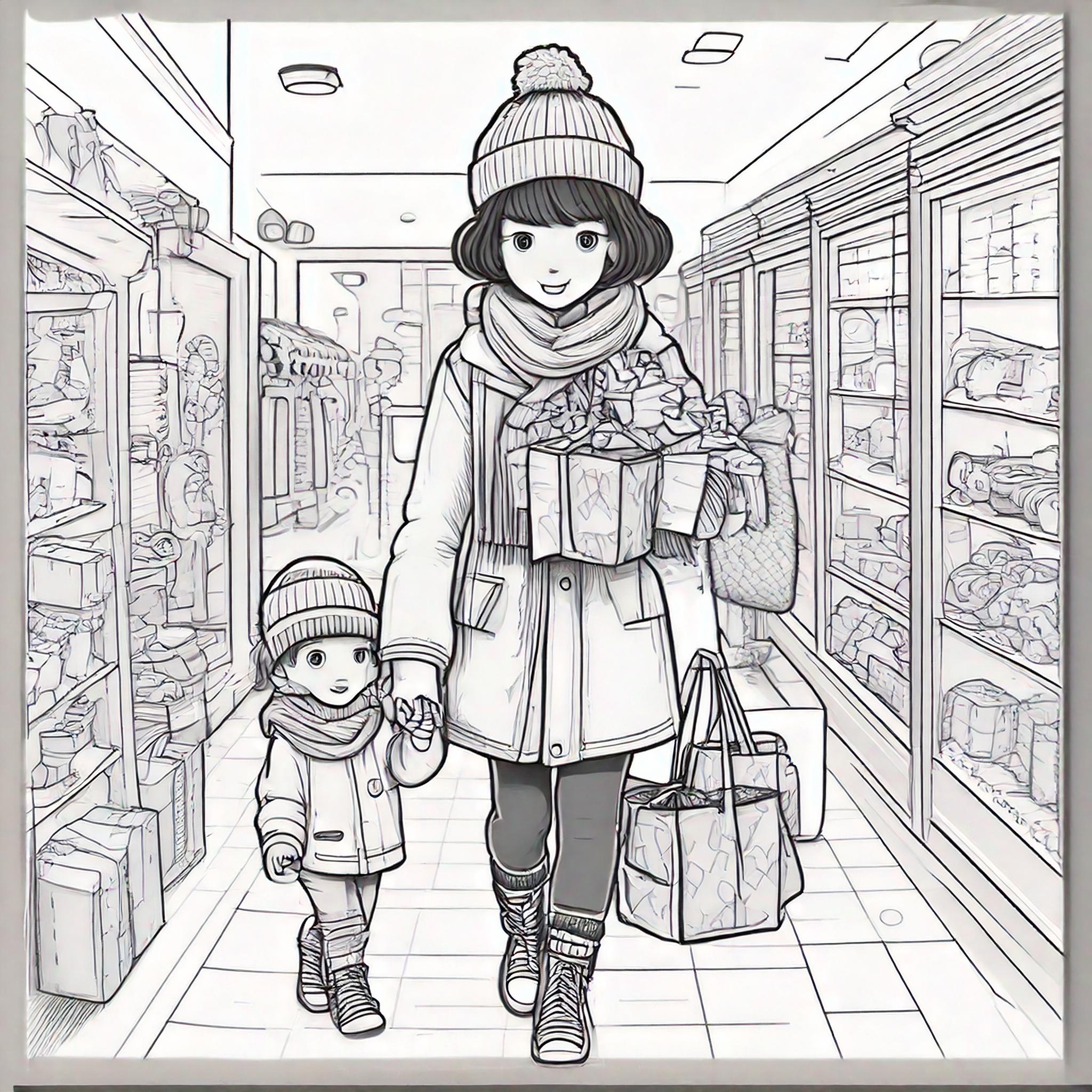
Parent and child, satisfied with their experience, head to the checkout counter to purchase the toy. End the journey with joy
Designing The Experience
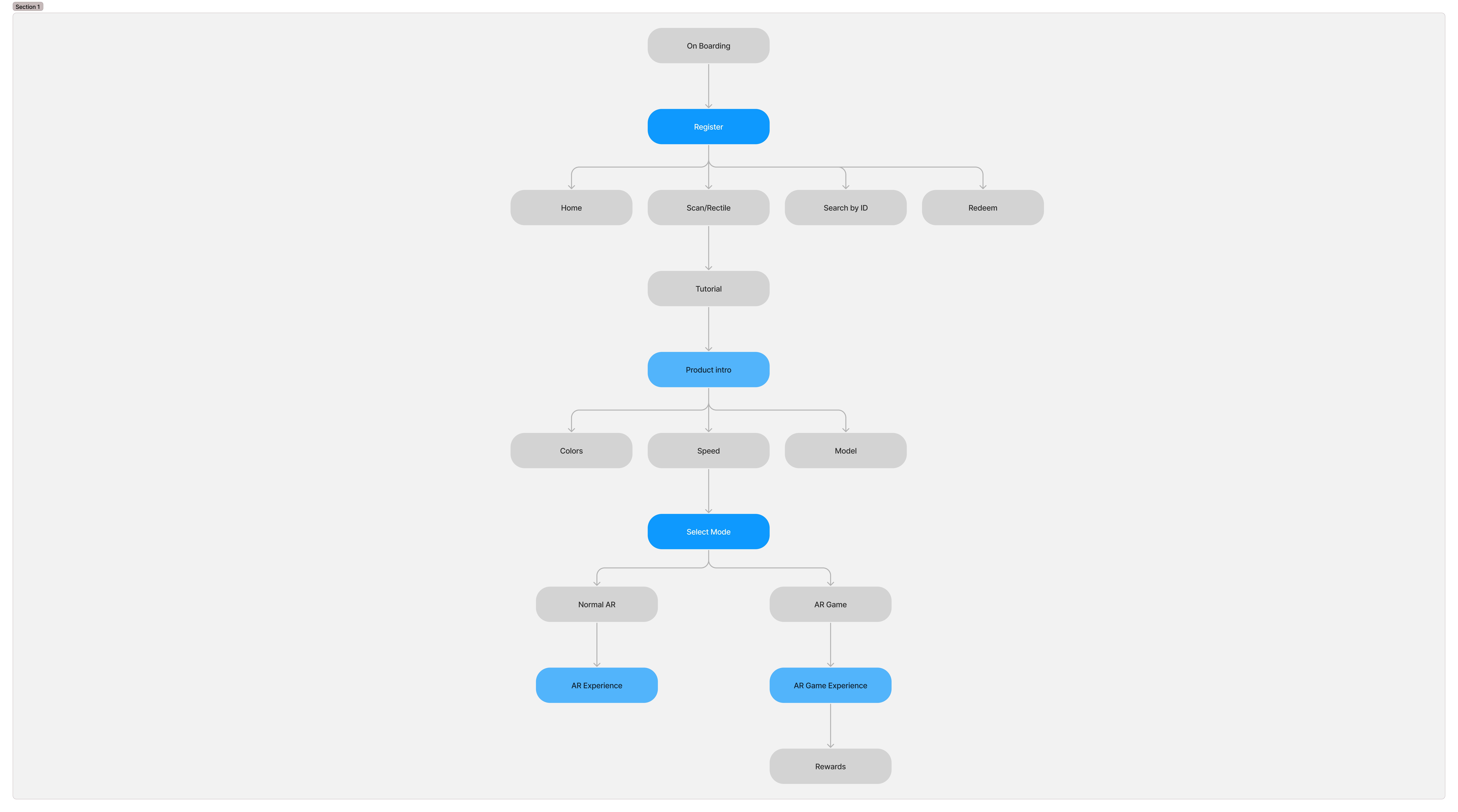
User Flows
Mapped out seamless, user-centered designs that address the needs of parents and kids while delivering a delightful AR shopping experience.
- Scan QR Code: Users scan a toy's QR code to access its AR experience.
- Select Mode: Choose between Normal Mode for parents or Game Mode for kids.
- Parents explore toy specs in Normal Mode.
- Kids engage with gamified demos in Game Mode.
Wireframes
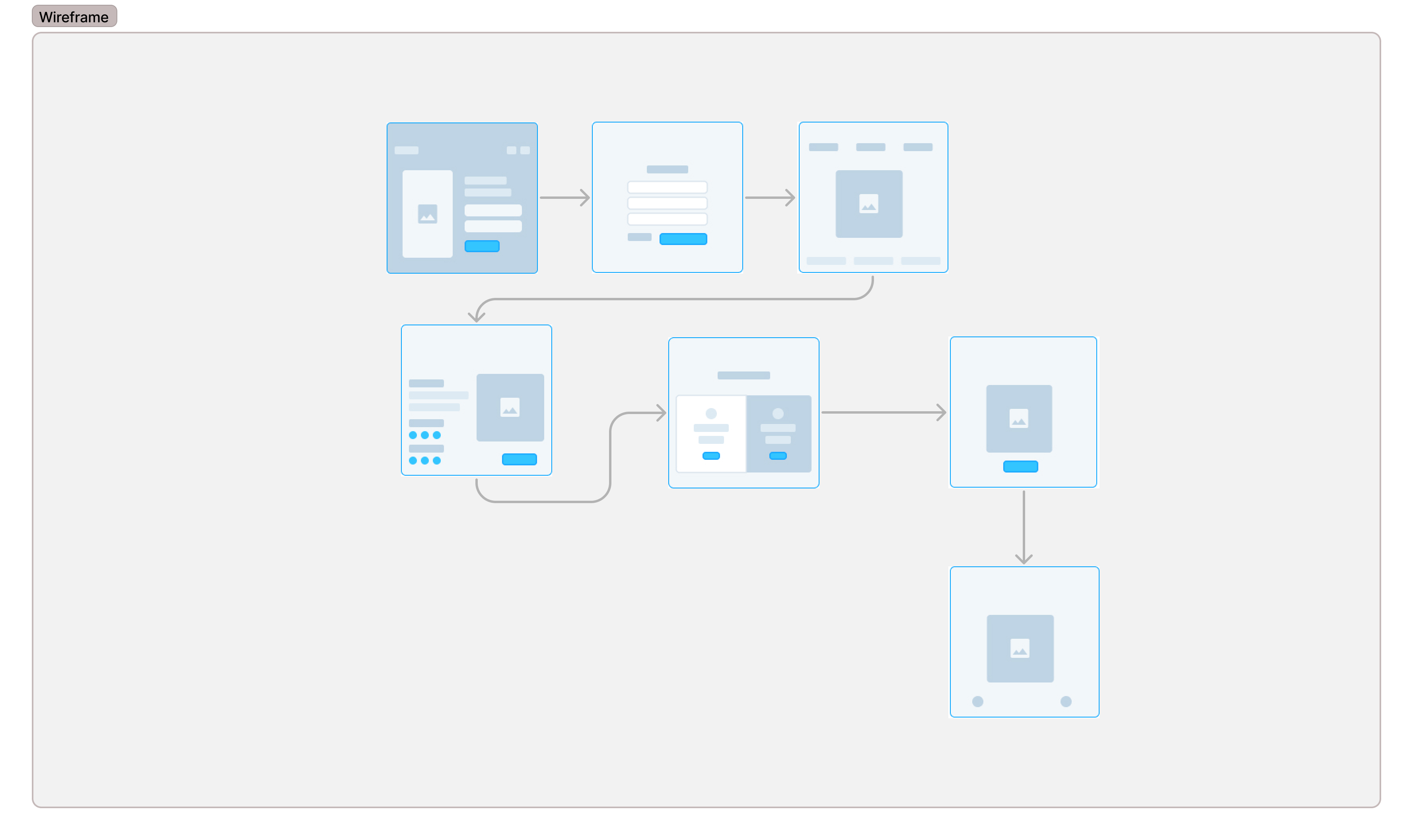
Designed low-fidelity layouts for:
- QR code scanning and product details screens.
- Mode selection interface.
- AR interaction and rewards dashboard.
Validating The Solution
Testing
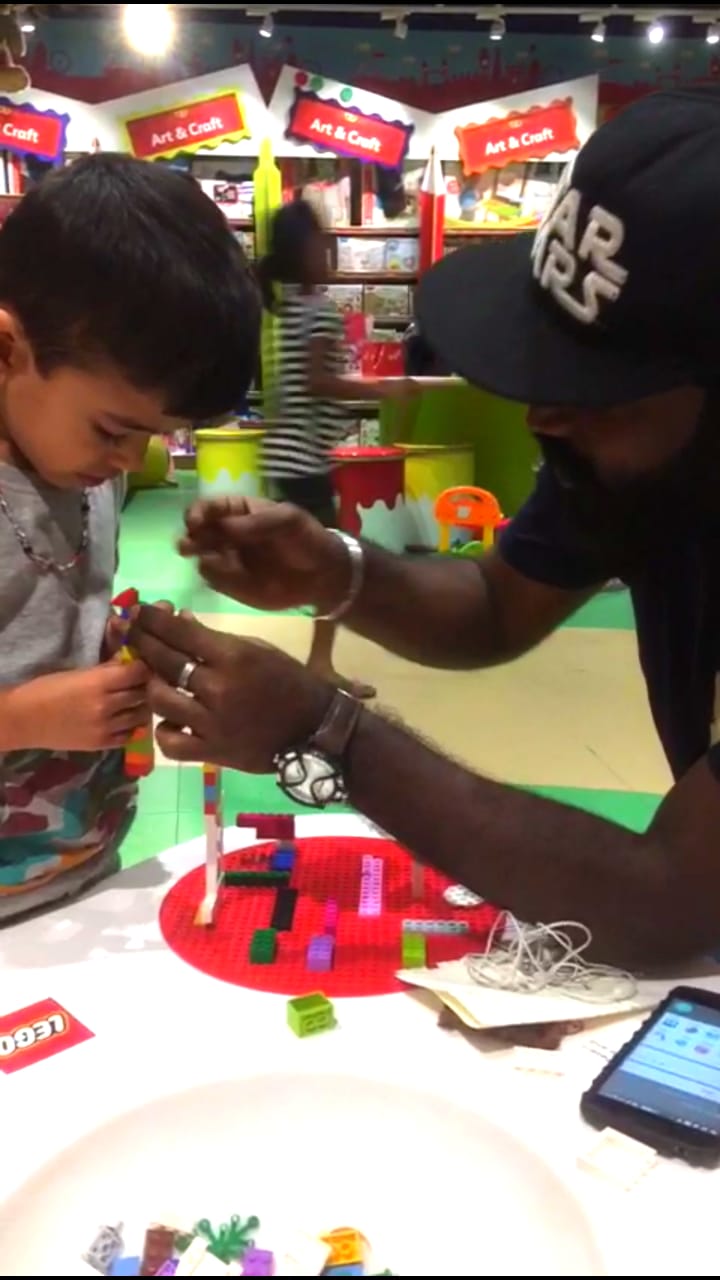
Testing with real users to ensure a seamless and engaging experience.
Key Findings
Tablet Preference:
Users preferred tablets over mobile devices for larger, more immersive screens.
Game Mode Excitement:
Kids found the gamified experience fun and engaging but needed clearer instructions.
Compatibility Issues:
Older mobile devices faced AR compatibility challenges, causing some frustration.
Iterations
Based on Feedback:In-Store Tablets:
Introduced dedicated tablets to standardize the AR experience and resolve compatibility issues.
Game Mode Refinement:
Simplified instructions and added visual cues for easier navigation by kids.
Normal Mode Toggle:
Added a toggle to switch between Normal and Game modes effortlessly.
Key Insights
Final Screens
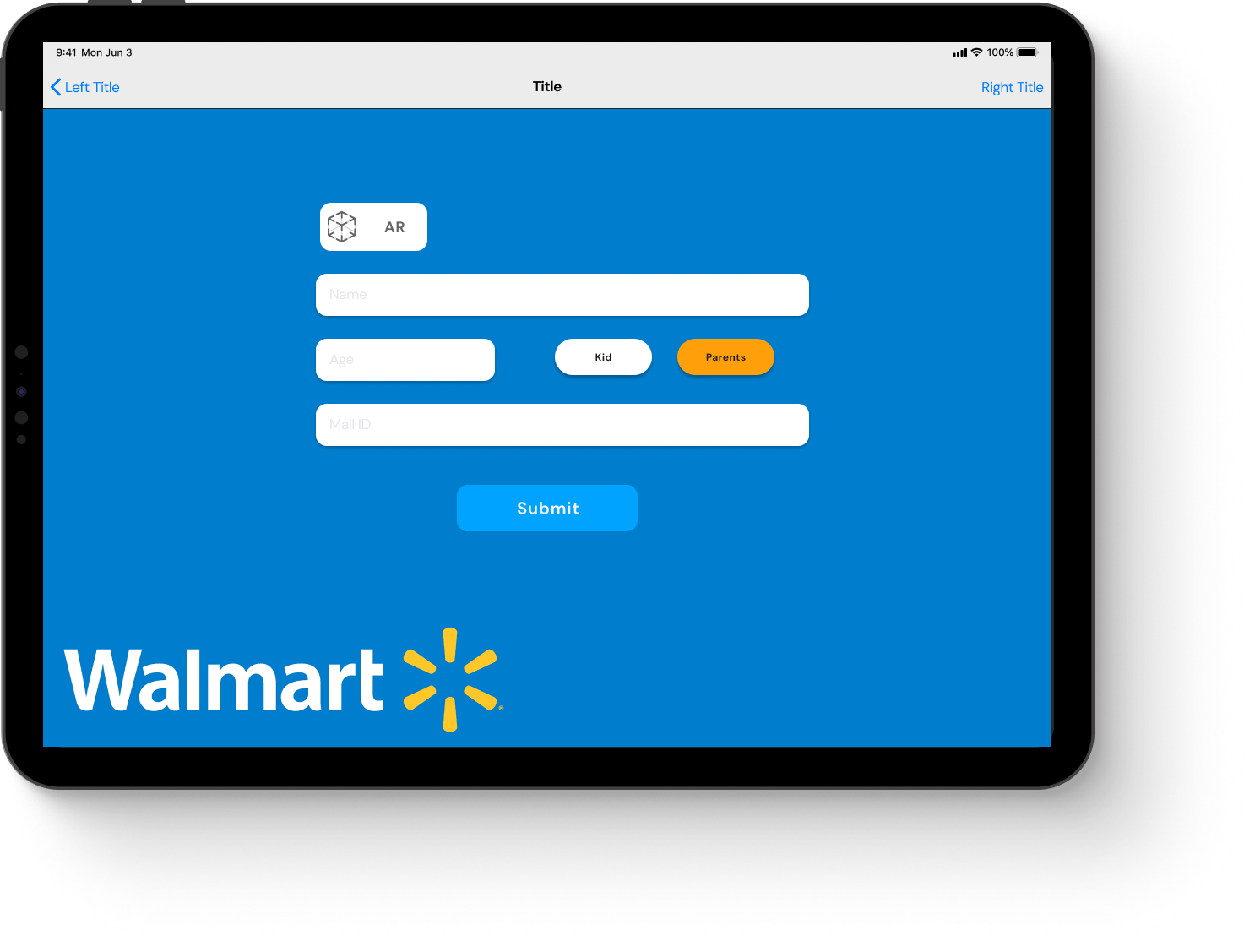
Form Submission/Login Page
Streamlined login page to onboard users quickly and get them started with the AR shopping experience.
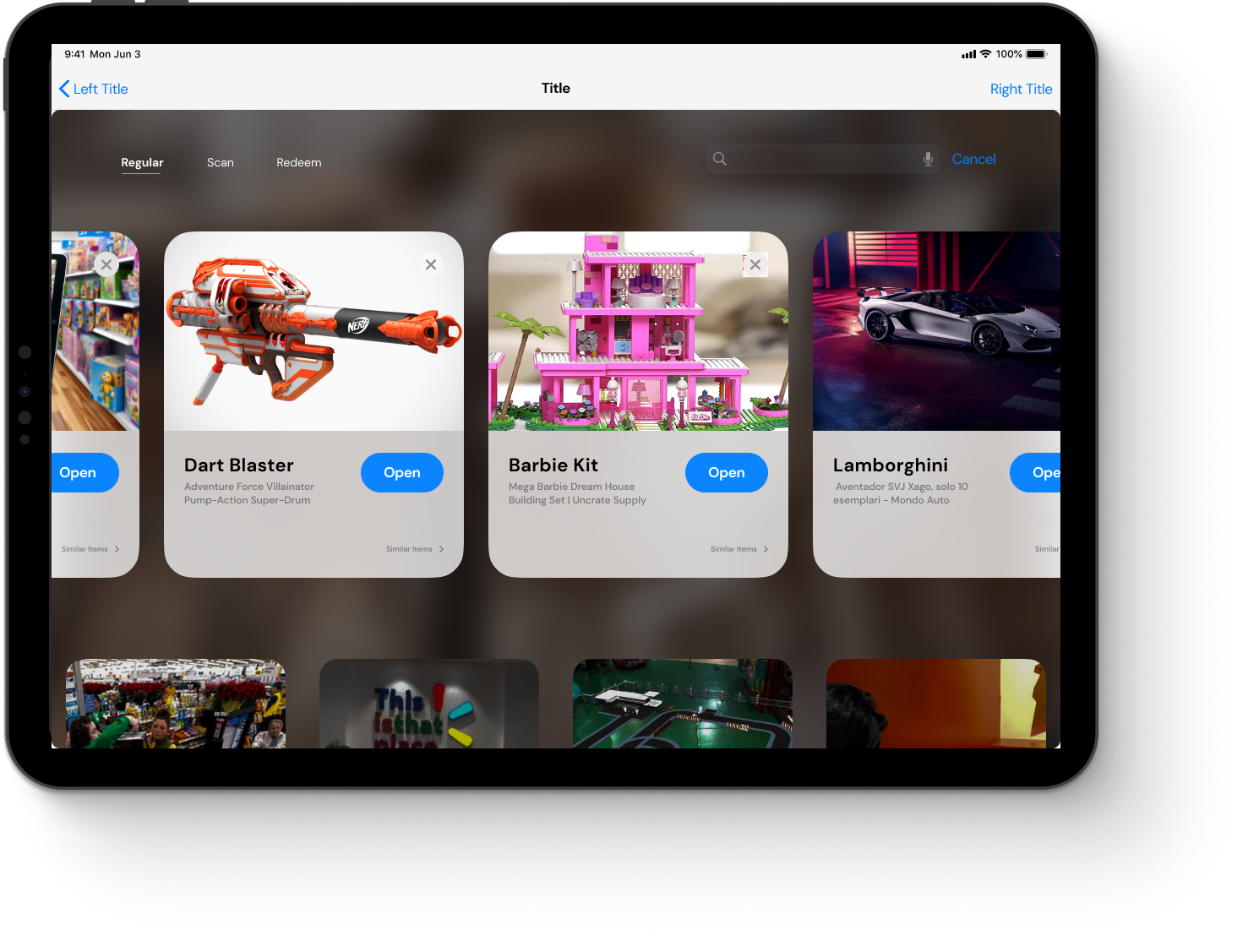
Home Screen
Centralized hub offering options to scan a toy or explore a curated list of available products.
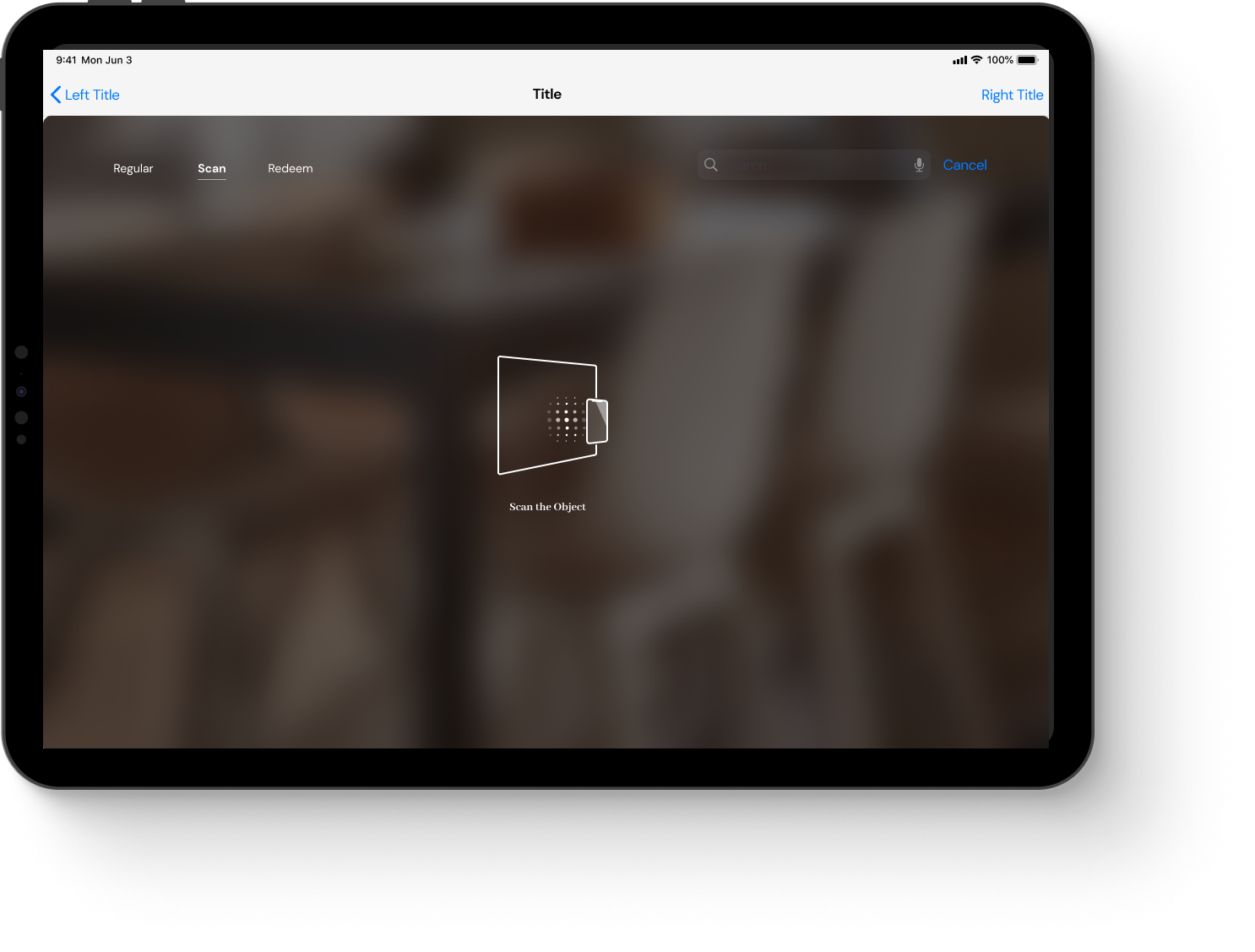
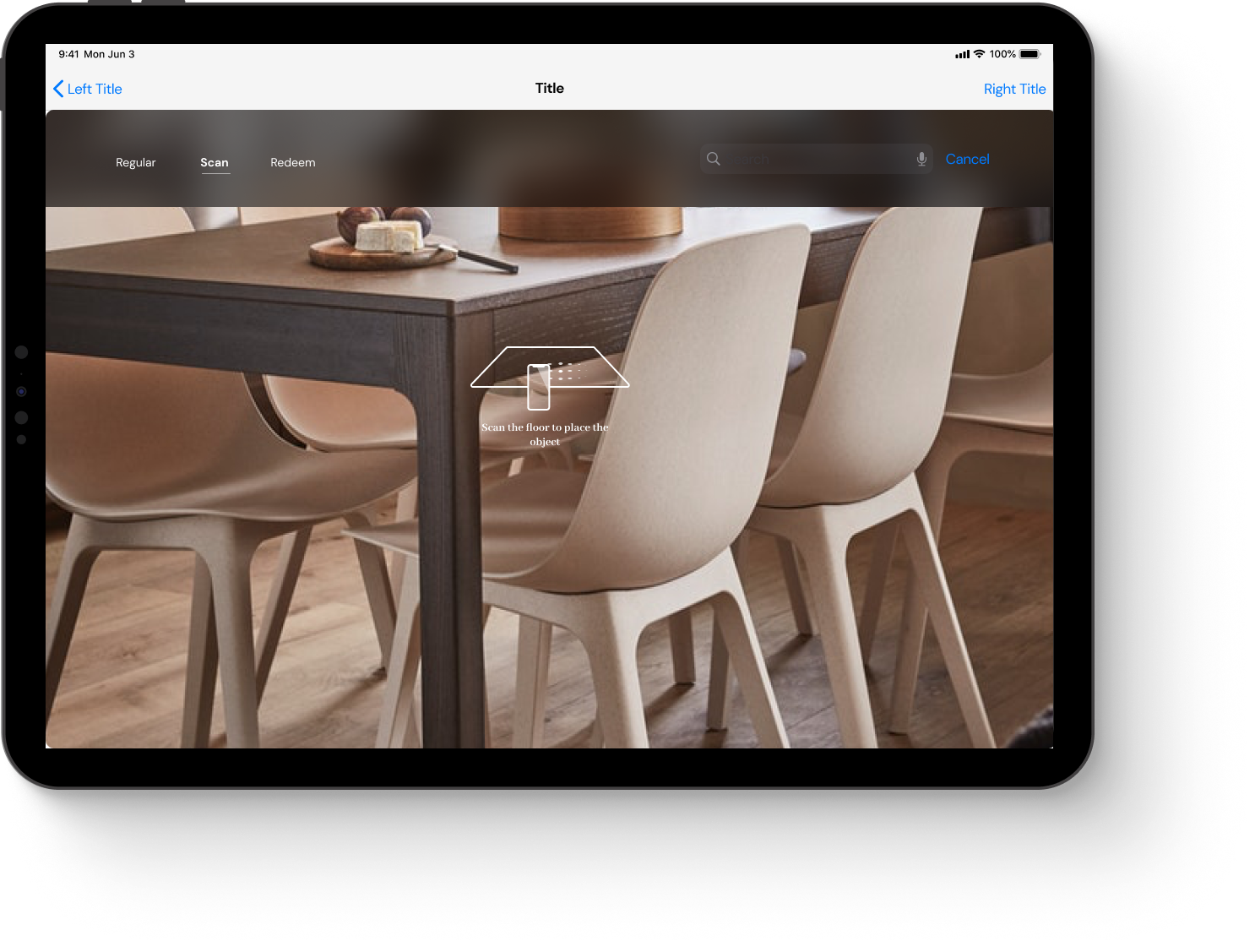
Scan the Toy
AR-enabled surface scanning to accurately place and visualize the toy in any environment.
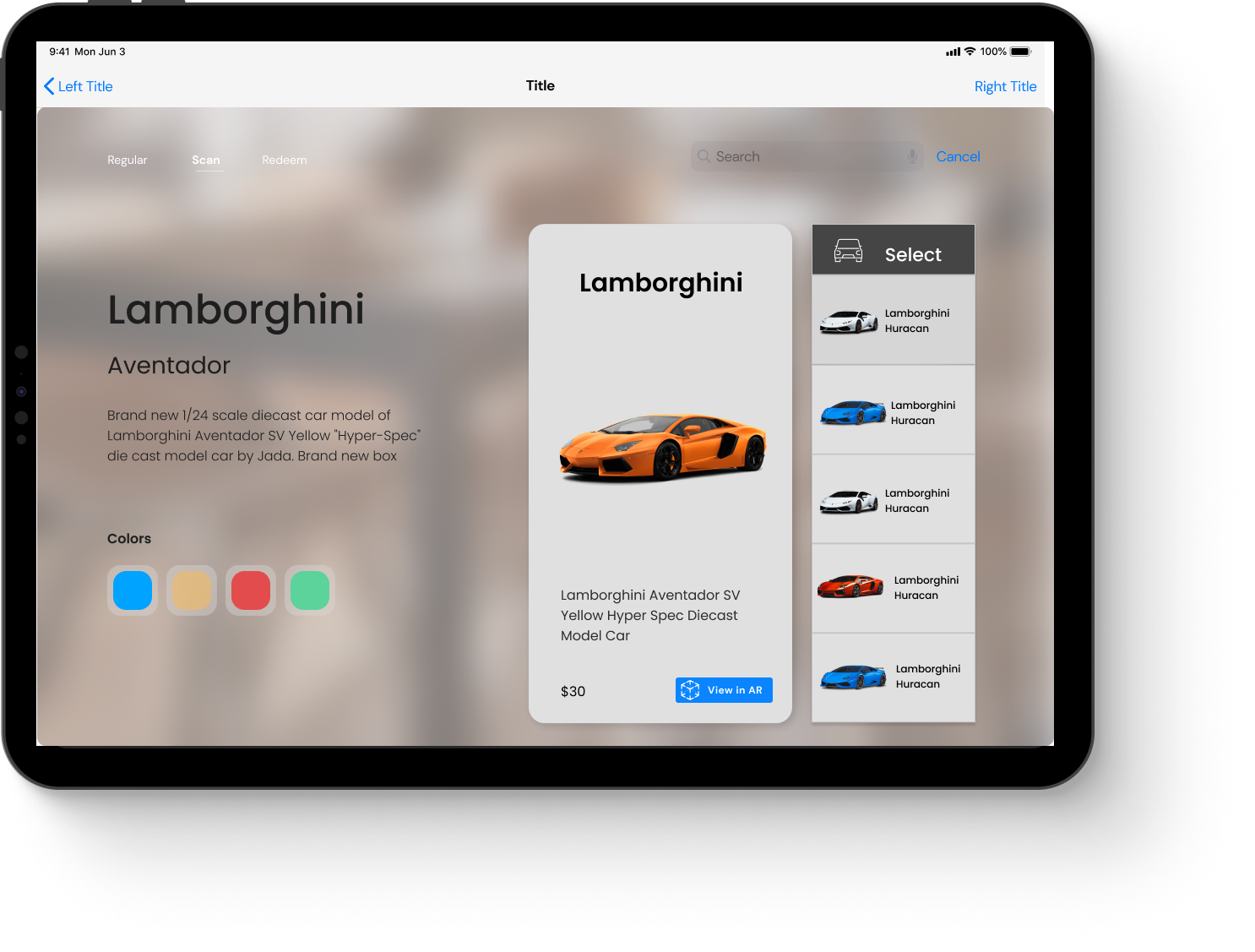
Product Information Page
Comprehensive product details with customization options, helping parents make informed decisions.
Surface Scanning for Placement
AR-enabled surface scanning to accurately place and visualize the toy in any environment.
Mode Selection Page
Dual-mode selection for parents and kids—Normal for detailed specs or Game Mode for an immersive, playful experience.
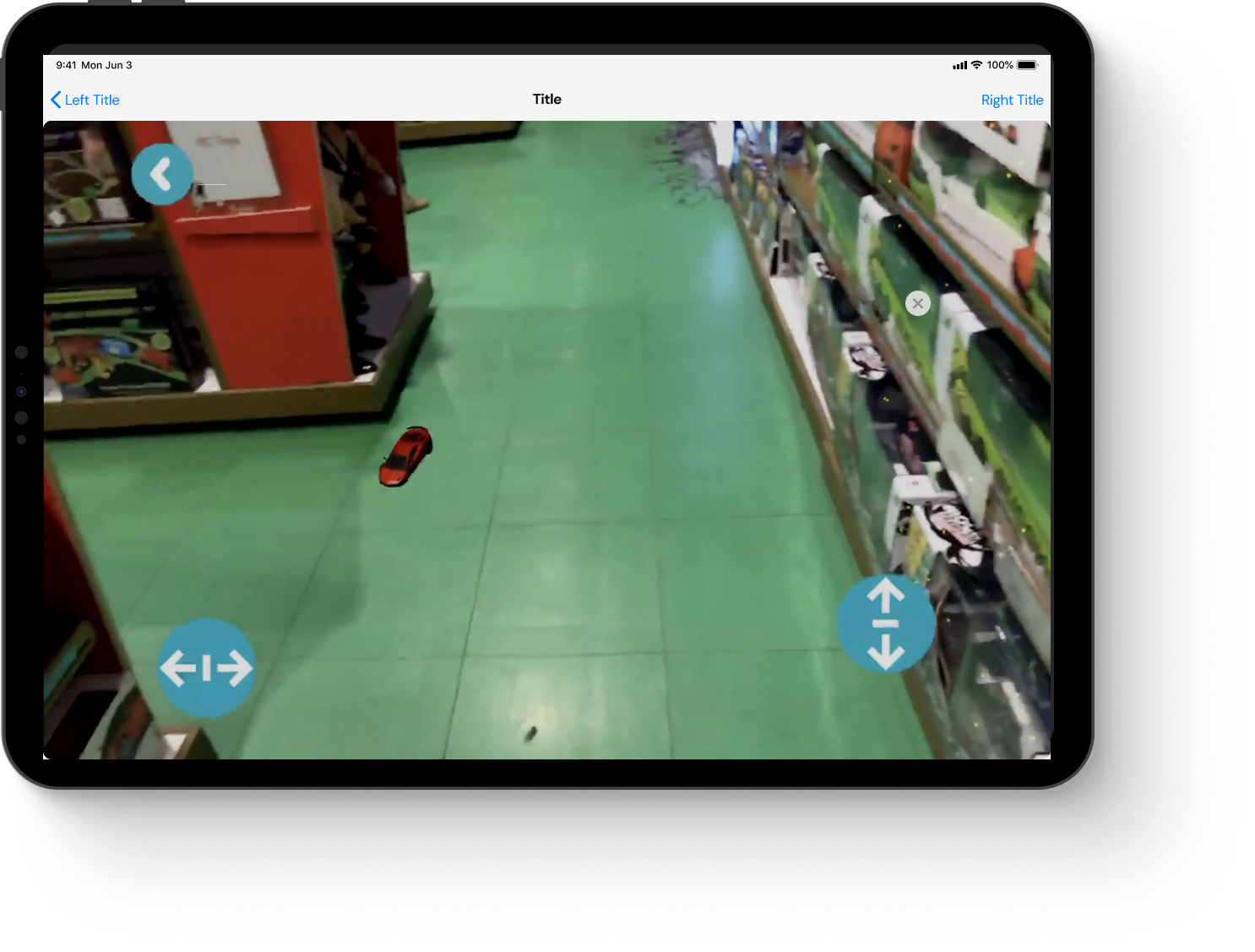
Augmented Reality Interaction
Engage with the toy in AR instantly, exploring its features and gameplay without unboxing
Reflection and Retrospect
Starting from the base isn't failure—it's a key to precision in design.
"During the project, my game design background initially created ambiguity in the UX process. By embracing iteration and working closely with mentors, I refined my approach to create a solution that was both user-centered and aligned with business goals."
Data-backed design turns concepts into compelling stories.
This project reinforced that, as a designer, gut feelings are not enough. Validating every decision with research and insights not only strengthens your story but gains the trust of stakeholders and users alike.